
Golf Simulator Packages: What Is Included in the Quoted Price?
Turn a headline bundle price into a clear inventory, a workable specification and an ownership budget.
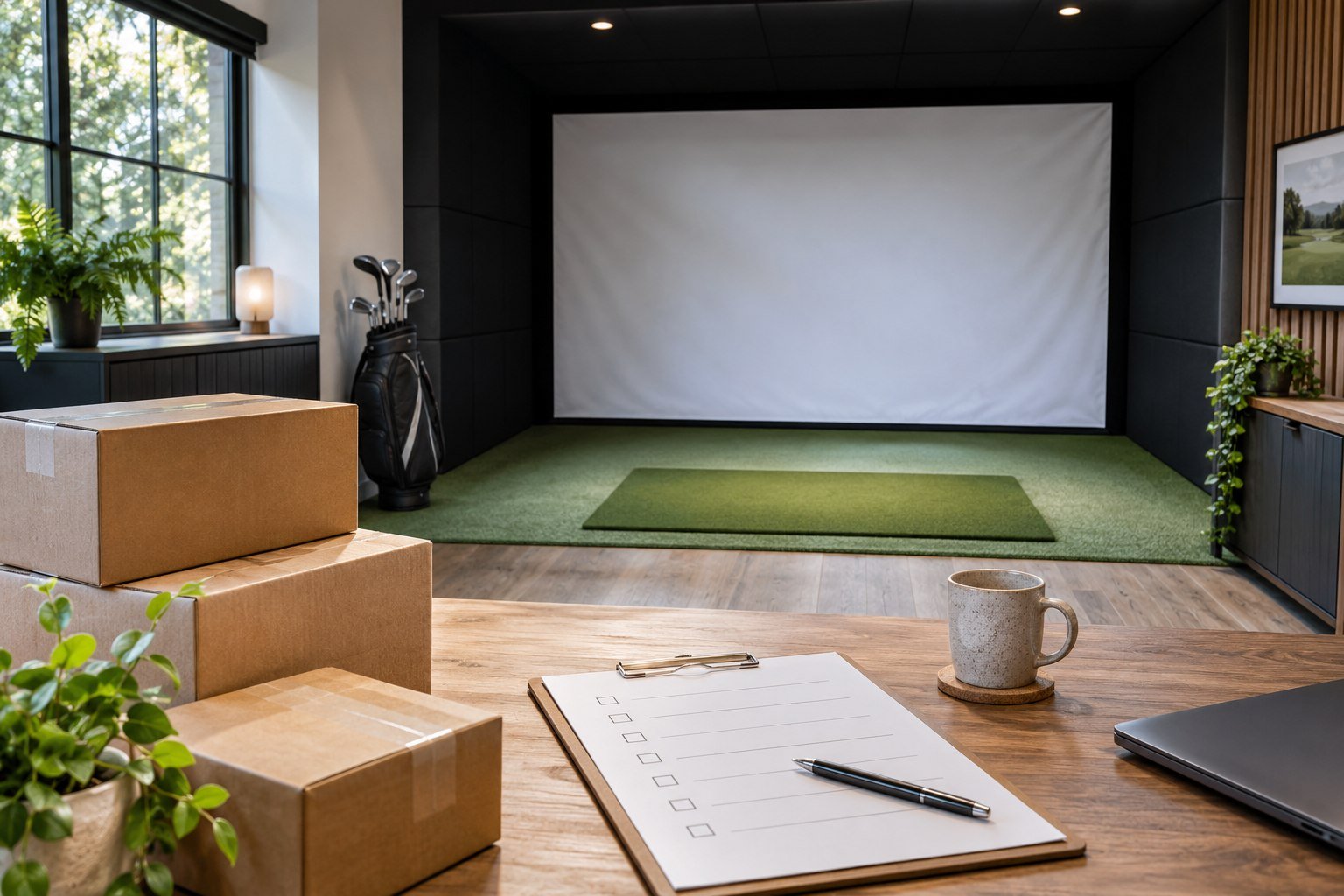
A package name does not establish everything included in the price. AI-generated illustration of generic equipment.
A low headline price can be attractive until the missing projector, computer and installation are added. A higher quote can also be poor value if it includes equipment or subscriptions you will not use.
This guide checks published package contents and current software documentation, then provides a method for comparing your own quotations. It is research-led buying guidance, not a hands-on test. The worked prices below are fictional and deliberately separate from the real package example.
Some links in this guide are affiliate links. If you buy through them, Taylor’s Trailblazing Golf may earn a commission at no extra cost to you. This does not change our editorial judgement.
Ask for exact models, sizes, quantities and explicit exclusions.
Name the intended software and confirm its complete hardware and connection requirements.
Add missing essentials, installation and renewals before ranking quotes.
Agree who assembles, configures and demonstrates the specified system.
Compare complete costs before comparing headline prices
Start with the system you want to use, then ask each supplier to price that same outcome. For example, specify a projected indoor setup, the chosen practice or course-play software, the intended players and the equipment you already own. Otherwise, one quote may describe a screen-based simulator while another assumes you will use an existing tablet.
Here is a fictional comparison. Both offers are assumed to meet the same agreed task; all figures include VAT. The headline packages include the monitor, enclosure, screen, mat and first year of software. Offer B also includes a suitable projector, mount and computer. Neither includes delivery and installation. These invented amounts are not market averages, retailer offers or estimates for your room.
On a small screen, scroll sideways inside this table.
| Cost item | Offer A | Offer B |
|---|---|---|
| Headline package | £4,200 | £5,900 |
| Required projector and mount | £1,200 extra | Included; £0 extra |
| Compatible computer | £850 extra | Included; £0 extra |
| Agreed delivery and installation | £350 extra | £350 extra |
| Ready-to-use cost for year one | £6,600 | £6,250 |
| Software renewal in years two and three | 2 × £300 = £600 | 2 × £400 = £800 |
| Three-year comparison total | £7,200 | £7,050 |
Offer A begins £1,700 cheaper but finishes £150 more expensive on these assumptions. That reversal comes from the missing hardware, partly offset by lower renewals. The result is arithmetic, not a recommendation: different software features, support or room requirements could change the decision.
Both totals exclude room alterations, electricity, future repairs and optional upgrades. Add any required room work to your real comparison before ordering. For uncertain renewals, write the current dated rate and test a higher allowance; do not describe an estimate as a fixed three-year contract.

Read the contents and exclusions of the selected version
A real listing illustrates why this matters. At the time of checking, GolfBays’ SkyTrak ST MAX SimBox “Full Package” names a launch monitor, standard hitting mat, PRO+ screen, enclosure, USB cable and introductory guide in its contents. Its title includes one year of SkyTrak Core software. The same page explicitly excludes the projector, projector mount, artificial putting turf and gaming PC. [1]
That is a defined bundle, with substantial components still to price for a projected system. It does not establish what another GolfBays package or another selected enclosure size contains. Save the exact variant and the itemised quotation rather than relying on the headline name or a staged room photograph.
Check the mat and flooring separately. A supplied hitting mat may cover only the working area, while the photograph shows continuous turf across the room. Likewise, distinguish the impact screen from the frame, enclosure fabric, side protection and mounting parts. Ask which pieces belong to the quoted system and which appear only in the photograph.
Record quantities as well as names. “Cables included” is incomplete if their types and lengths do not suit the agreed layout. A generic monitor name also leaves room for different generations, accessories or software offers. A clear quote identifies each item sufficiently precisely that you can recognise the delivered version.

Give every line a specification and an owner
Use the following schedule with each supplier. Mark every row included, extra, already owned or unresolved, and attach a price where appropriate. “Already owned” is valid only after compatibility has been checked; an old laptop does not automatically remove the computing cost.
On a small screen, scroll sideways inside this table.
| Part of the system | Specify in writing | Resolve before ordering |
|---|---|---|
| Launch monitor | Exact model, accessories and intended indoor mode. | Required placement, supported software and any special balls or markers. |
| Enclosure and screen | Selected dimensions, frame, impact material and included protection. | Installation requirements, replacement parts and suitability for the planned room. |
| Mat and floor | Hitting insert, stance area, dimensions and any additional flooring. | Finished levels, handedness and what lies outside the supplied mat. |
| Projected image | Projector model, mount, cable route and intended image size. | Lens position, image proportions, clearances and installation responsibility. |
| Computing and connections | Computer or tablet specification, operating system and required adapters. | Compatibility with the selected application and monitor connection. |
| Software | Exact plan, course access, account holder and included period. | Activation deadline, renewal basis and what remains after expiry. |
| Services | Delivery point, assembly, configuration, demonstration and support. | Who does each task, what is excluded and the cost of additional visits. |
Keep the buyer’s responsibilities visible too. If you must provide power, internet access, an appropriate fixing location or an empty room, have those requirements assessed and agreed before delivery. A supplier’s equipment quote should not be mistaken for confirmation that building or electrical work is included.
Treat software access as a separate purchase
“Software included” needs a name, a term and a feature list. A driving range, a course library, online competition and advanced practice tools can belong to different entitlements. Ask which one supports the activity you expect to use most often, then record its cost after the introductory period.
SkyTrak’s current membership page distinguishes Core: Trackman from Core: Foresight, with different course packs; Elite combines the two packs. A bundle described only as including “Core” therefore needs clarification about the exact entitlement supplied. Do not assume the label grants every advertised course. [2]
Ask when the included year starts: order, dispatch, device registration or software activation. Also confirm whose account holds the licence and whether the seller performs setup using your own account. Keep access credentials under your control and retain the activation record with the receipt.
SkyTrak’s subscription guidance says that expiry can restrict premium practice and simulation features, with remaining access depending on the current software and membership structure. [3] For your quote, ask for both the renewal cost and the exact useful functions available if you choose not to renew. The second answer matters as much as the first.
Match the computer to the intended software and display
A processor family on its own is not a complete computer specification. Request the exact CPU, graphics hardware, memory, storage, operating system and connection ports. Compare them with the chosen software’s current requirements at the resolution you intend to use.
For example, GSPro specifies a Windows PC and publishes different hardware recommendations for 1080p and 4K. It also lists supported launch monitors and connection guidance. A quotation should identify the supported route for the exact device and application, rather than assuming that any monitor, computer and simulator licence can work together. [4]
Ask the supplier to explain the complete path: monitor to application, application to display, and any internet or account dependency. If a separate connector or manufacturer entitlement is required, put it in the software schedule. Do not assume that owning one licence pays for every link in that chain.
Have the supplier identify the projector’s native resolution, the intended signal from the computer and the image size, alongside the proposed installation position. Paying for a more demanding computer configuration is useful only if it serves a display and software experience you want.

Define delivery, installation and handover separately
Delivery to a driveway, delivery into the intended room and a fully installed system are different services. Request the agreed delivery point, packaged dimensions, access requirements and any additional charges for your address. Include stairs, narrow doors, parking restrictions and storage if components arrive separately.
For installation, identify who assembles the enclosure, positions and secures the projector, routes the required connections and configures the software. Structural fixings and electrical work need suitable qualified assessment where required; a generic package cannot settle those questions remotely.
Agree a handover task that reflects what you bought. The installer might demonstrate the specified software opening on your account, the monitor communicating with it, and the intended image appearing within the agreed screen area. Any hitting demonstration must wait until the complete golf area has been assessed and prepared for use.
This checks delivery against the agreed specification; it does not independently prove launch-monitor accuracy or certify every future use. Ask who handles a problem involving several components, how remote support works and whether return visits are included. One clear point of contact can be valuable, but obtain the actual service commitment rather than assuming it comes with the word “package”.

Decide what the bundle is saving you
A coherent package can reduce the work of choosing compatible components and coordinating delivery. Buying separately can make sense when you already own suitable equipment or need a particular screen size, display arrangement or computer. The useful comparison is the finished system plus the service you value.
For a component-only price check, you can browse Clubhouse Golf’s launch-monitor range (affiliate link). Its category page states that it does not sell complete home simulators. [5] Match the exact device and supplied accessories to the monitor line in your quote; the device price is only one part of the comparison.
Do not subtract every retail component price from a bundle and call the difference an overcharge. The quote may include specified assembly, configuration or support. Equally, do not assign value to vague “expert setup” unless the work and responsibility are described.
If the usable room or budget does not support the intended system, reduce the project deliberately. Our small-space golf practice guide explores a putting-led alternative. That is a different practice task with a different budget, rather than a stripped-down promise of a full-swing simulator.
Order only when the quotation describes a usable outcome
Before accepting, you should be able to answer five questions without guessing:
- What exact hardware and selected sizes will arrive?
- Which intended activities and software features will work with that hardware?
- What must I buy, provide or arrange separately?
- What will the complete system cost initially and over my chosen ownership period?
- Who is responsible for installation, handover and support?
Also obtain the applicable warranty and return terms for the complete order, including any customised components and activated software. Keep those terms with the final quotation. Do not borrow a returns promise from a different country, retailer or product category.
Choose the quote whose scope you understand and whose requirements you can meet. Hold any offer with an unresolved essential, even if the price is appealing. A useful package saves you work while delivering the agreed practice experience; its value comes from the complete arrangement and clear responsibilities.
Explore more Home Practice guides
Sources and checks
Sources were checked on 23 November 2026. Product specifications, software plans and buying terms can change. The comparison worksheets are editorial suggestions for your own assessment.
- SkyTrak ST MAX SimBox Home Golf Simulator Full Package: contents and exclusionsGolfBays UK · Checked 23 November 2026
- SKYTRAK software and membership: current plan distinctionsSKYTRAK · Checked 23 November 2026
- Managing SKYTRAK subscriptions and access after expirySKYTRAK · Checked 23 November 2026
- GSPro: computer requirements and supported launch monitorsGSPro · Checked 23 November 2026
- Golf launch monitors: component retail range and category scopeClubhouse Golf UK · Checked 23 November 2026
Illustrations in this article were created for Taylor’s Trailblazing Golf. Third-party photographs, where used, are credited beside the image or in the source list.