Golf Rangefinder Batteries: Replaceable Cells vs Charging
Choose the power system you can keep ready, then check the exact cell, connector and ownership costs.
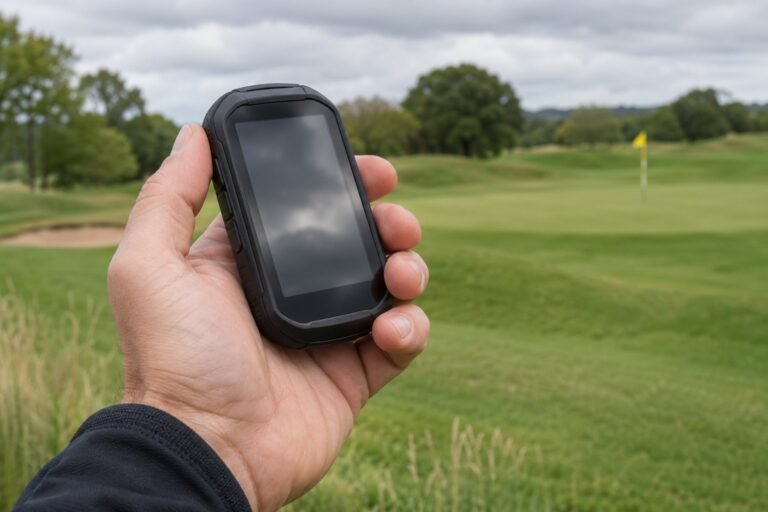
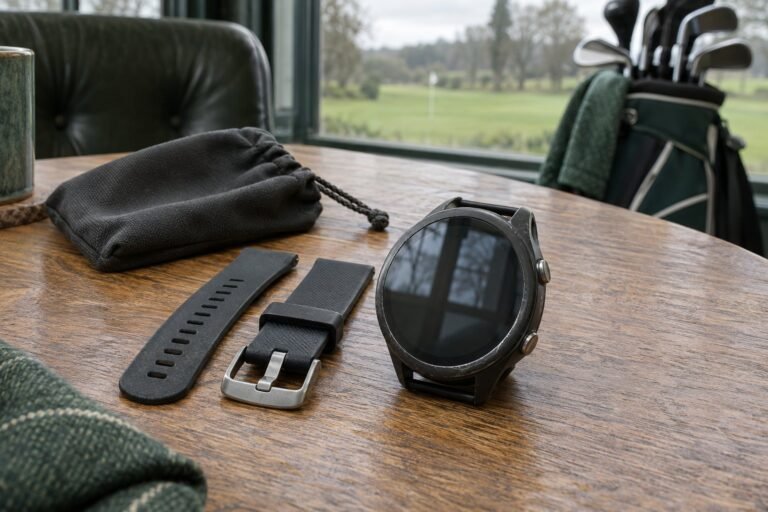
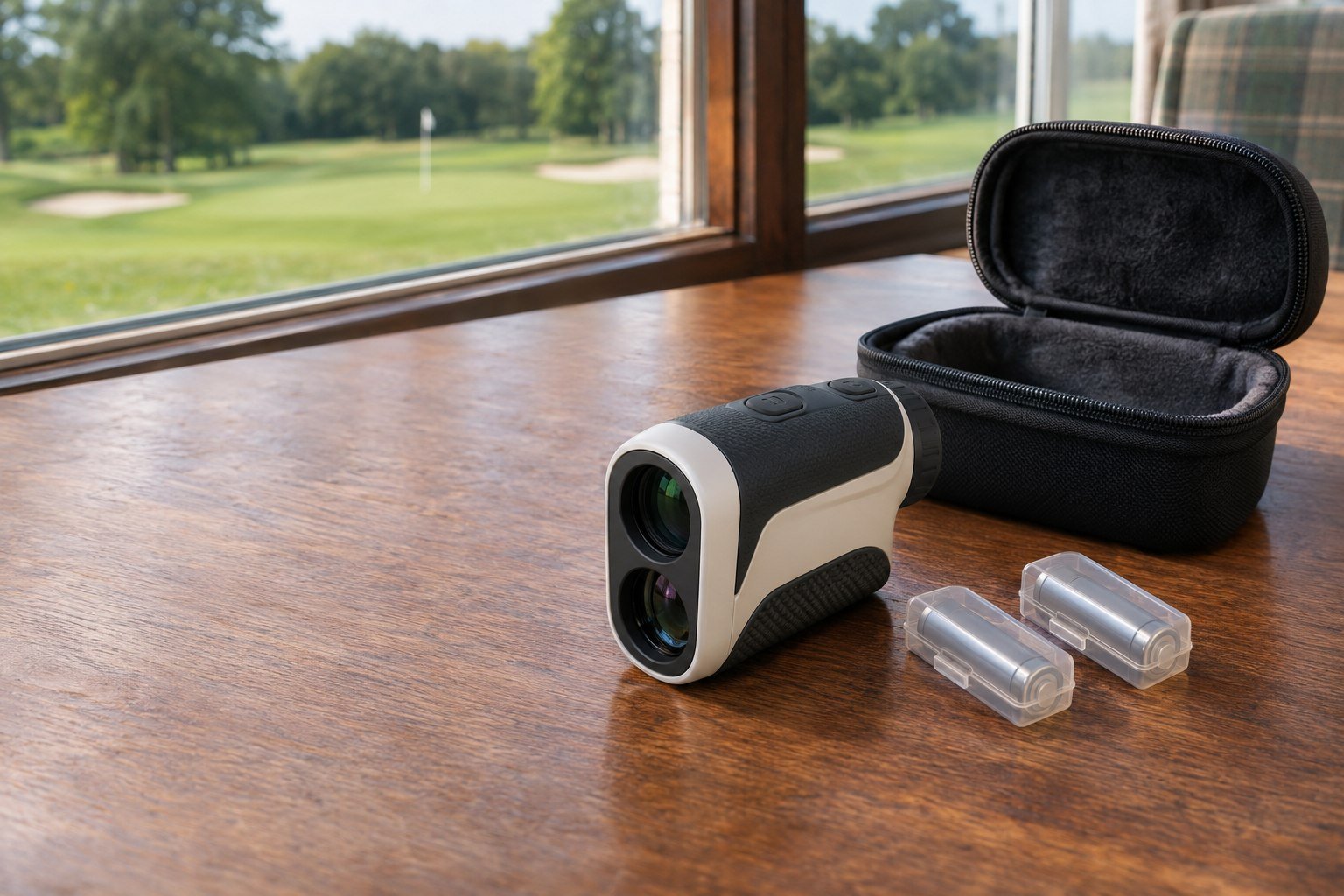
Include the power supply and spare-storage arrangement when comparing rangefinder systems. AI-created category illustrations show generic golf equipment, not the named products or a product test.
Golf rangefinder batteries become a buying issue when the device is not ready for the next round. A replaceable cell gives you a spare to carry. A built-in rechargeable battery gives you another device to charge. Neither arrangement is automatically the better choice: the useful question is which failure you are prepared to prevent.
Start with your current routine. If a protected spare already keeps a working laser dependable, changing devices to avoid buying cells may solve very little. If charging equipment is easy to remember but replacement batteries are not, a rechargeable model may fit better. This guide compares those routines before using two documented products to show why the details matter.
This guide contains affiliate links. If you buy through them, Taylor’s Trailblazing Golf may receive a commission at no extra cost to you.
A labelled spare or a better charging routine may be enough. Start there before replacing the whole device.
Consider a model with a user-replaceable cell, provided you will actually keep the correct spare ready.
Confirm the connector, charging conditions and service options before choosing a sealed-battery device.
Golf rangefinder batteries: choose a recovery routine
The most useful comparison is what you will do when power runs low. Carrying an unprotected, unidentified cell is not a complete spare plan. Owning a cable is not a complete charging routine. Use the table to identify the missing step in each system.
Scroll the table horizontally on a small screen to see every column.
| Your practical question | User-replaceable cell | Built-in rechargeable battery |
|---|---|---|
| What prepares the device? | A correct, serviceable cell and a known spare. | A completed charge using the approved connection and conditions. |
| What if it runs low away from home? | A correct spare may restore use, where the manual permits replacement and you have a suitable dry place. | Plan around access to charging and the time it takes; do not assume an immediate recovery. |
| What should I keep track of? | The exact cell specification, when it was fitted and where the spare is stored. | The right cable, charge indicator and whether charging fitted your schedule. |
| What matters after several years? | Whether correct replacement cells remain obtainable and the compartment stays sound. | The maker’s battery service route and the quoted cost if usable runtime becomes inadequate. |
This is an editorial planning framework, not a measured endurance comparison. Apply it to the device you are considering. Some products have different arrangements, so do not infer the power system from the brand or the word “laser”.
Back to guide contents ↑Two documented examples, with different features and prices
The Shot Scope PROL2 and Garmin Approach Z82 illustrate the two routines. They are complete products, not a battery-only contest. Compare their full features with your needs before deciding whether either represents value.
Scroll the table horizontally on a small screen to see every column.
| Model | Documented power system | Manufacturer life claim | UK price checked |
|---|---|---|---|
| Shot Scope PROL2 | Replaceable CR2, 3 V cell. [1] | Approximately 5,800 measurements. [1] | £129.99, Blue listing at Clubhouse Golf. [4] |
| Garmin Approach Z82 | Built-in rechargeable lithium-ion battery. [2] | Up to 15 hours of typical use. [2] | £549, Black/White listing at Clubhouse Golf. [5] |
Prices were checked on 24 November 2026 and can change. These are complete-device prices, not the price of the battery system. Manufacturer life figures are claims, not results from our own testing.
Do not convert the two claims into a winner on rounds per battery. Measurements and hours describe different things. A proposed conversion would need a shared usage pattern, including how often you range and how the device is used between shots. The published numbers alone do not supply that comparison.
Compare only if the whole device fits
The PROL2 is a useful option to investigate if you want a replaceable-cell laser. Consider the Z82 only if its broader feature set also meets your needs. Neither is a recommendation to replace a rangefinder that is already doing its job.
View the PROL2 at Clubhouse Golf View the Z82 at Clubhouse Golf
A cell that fits is not enough
Use the exact model manual and battery-compartment marking as your starting point. Duracell advises using the size and type specified by the device maker, observing polarity and recharging only batteries marked rechargeable. [6] A similar-looking battery is not a compatibility decision.
- Identify the device. Read the full model name, including any suffix. Save the correct manual with your purchase details.
- Write down the required cell. Record the designation, voltage and any chemistry or replacement restrictions the manufacturer gives.
- Match the pack before opening it. If the listing and packaging disagree, ask the seller or device maker to resolve the difference.
- Follow the replacement instructions. Check polarity and the correct way to close the compartment. Do not force the cover or improvise packing around a loose cell.
For the PROL2, Shot Scope says its low-battery symbol signals that the cell should be replaced. [1] Treat that as a prompt to prepare the correct replacement, not a promise of a particular number of shots remaining.
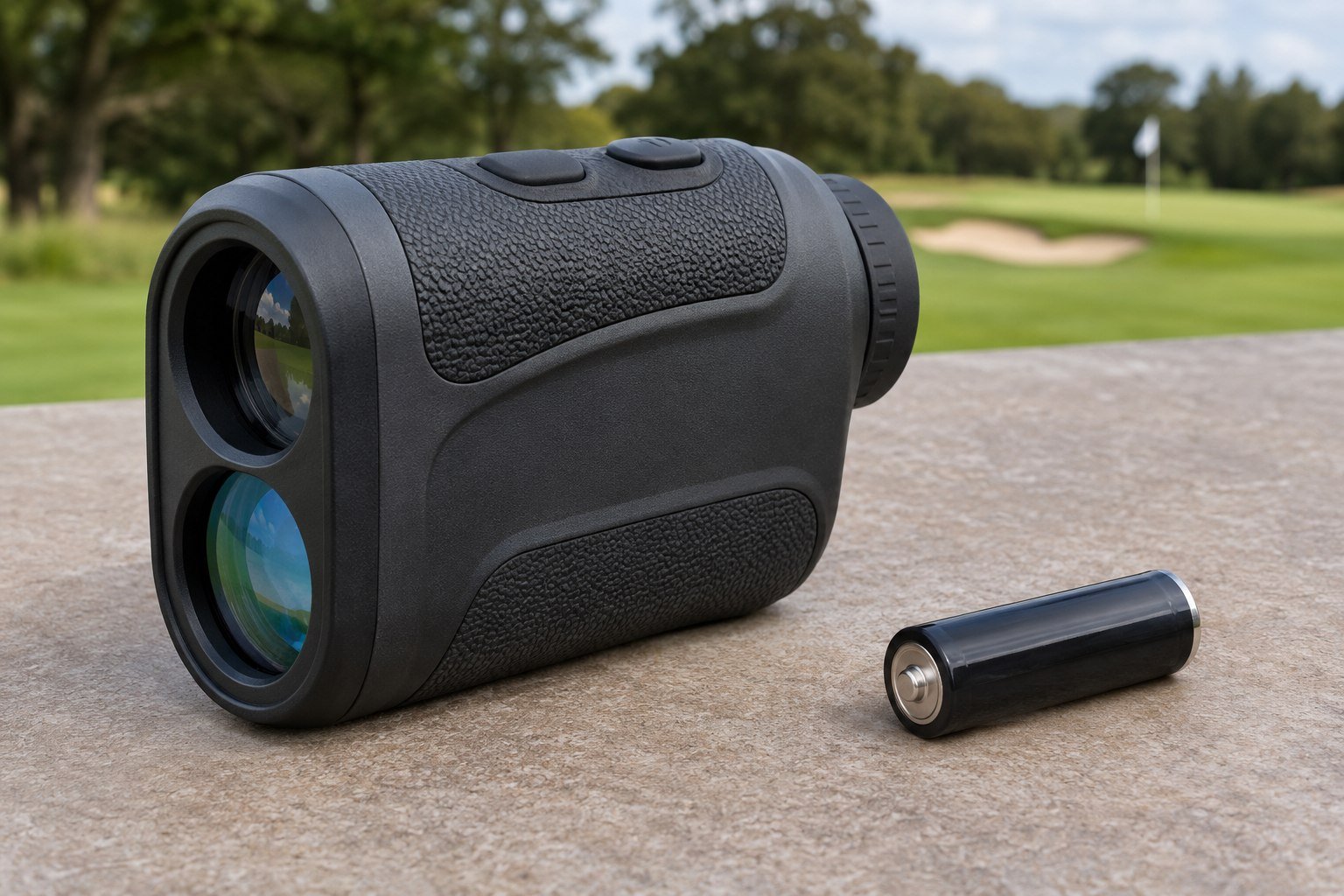
Do not substitute a rechargeable lookalike merely because it fits: the rangefinder instructions must permit the replacement you choose. Equally, a sealed built-in battery is not an invitation to open the casing and fit a loose cell. Ask the manufacturer about service if its user instructions do not cover replacement.
Check the connector and charging conditions
A rechargeable device needs a repeatable place in your pre-round routine. Check the port on the actual model before buying a cable; “USB charging” does not identify the connector.
The Z82 uses a micro-USB power/data port under a weather cap. [8] Garmin specifies a 10–45°C charging range and says the port, cap and surrounding area must be thoroughly dry before charging. [2] [3] Those are Z82 instructions, not universal specifications for rechargeable rangefinders.
For your own device, answer three questions: is the correct cable available, do you have the charging equipment its manual requires, and can you confirm charging completed before leaving? Keep a dedicated cable with the equipment you prepare for golf if that makes the routine easier.
If a device fails to charge, first check the maker’s ordinary troubleshooting steps and stated conditions. Do not probe a port with metal tools, open a sealed pack or keep forcing a damaged connector. Visible damage, abnormal heat or swelling calls for the manufacturer’s support route, not a guess at an internal repair.
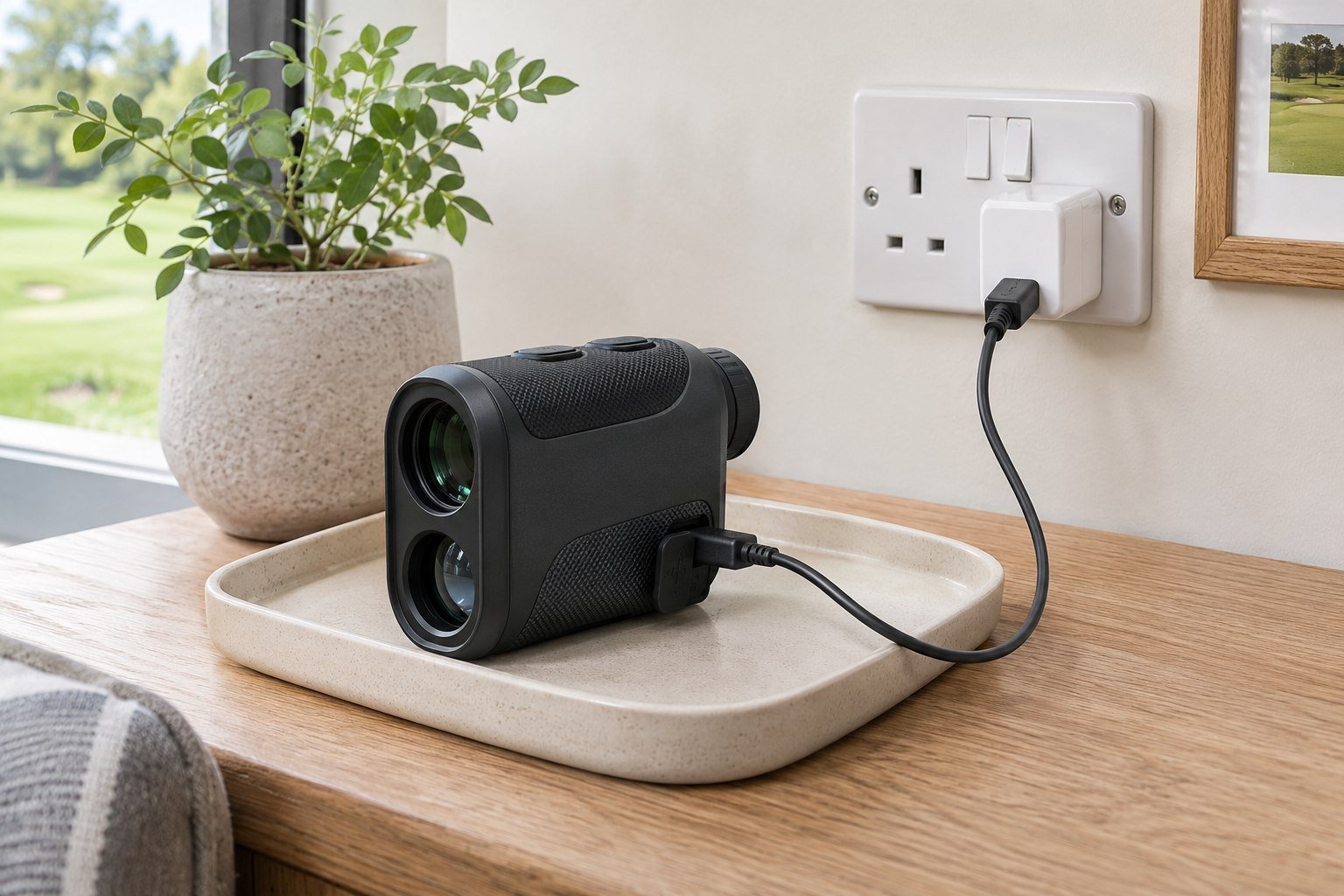
Make the spare a usable backup
A spare is useful only if you can identify it and keep its terminals protected. Duracell warns against loose cells in pockets or purses because metal contact can short them; it recommends dry storage at normal room temperature. [7]
A practical arrangement is the original protective packaging or an individual case made for that cell, separated from keys, coins and loose tools. Keep the designation visible. Avoid mixing an unknown used cell with the spare you intend to rely on; make a simple note when you fit a fresh one.
Before a long break from golf, read your model’s storage instructions rather than assuming that every cell should stay installed or that every rechargeable device should be stored at the same charge level. Save that instruction beside the battery specification so you can find it next season.
If a compartment is damaged or the cell shows leakage, stop routine replacement and seek the manufacturer’s advice. For a used rangefinder, ask for the battery-door condition, current charging behaviour and any known battery service history before agreeing a price. Those questions are more useful than a seller’s unsupported “lasts ages” description.

Compare ownership costs without inventing a break-even point
Begin with a period you actually plan to keep the device. Write down the complete purchase price, then add the items you can support with real quotes or your own records. Do not count an included cable twice or assume a future repair price.
A simple cost record
Ownership cost = purchase price + replacement cells + additional charging accessories + charging energy + paid servicing.
Use actual cell purchase and replacement records. For charging, use your tariff and measured energy if you want to include it; otherwise mark the amount unknown. Obtain a battery-service quote where relevant. Unknown costs should remain unknown, not silently become £0.
The two listed devices differ by £419.01 at the checked prices. That is arithmetic on complete products, not a battery premium and not an amount that charging is proven to recover. Comparing them only through cell expenditure would ignore the different features you are purchasing.
For an existing rangefinder, the original purchase price is already spent. Compare the next sensible action: a correct cell, a replacement cable, an authorised service quote or another device. Keeping a reliable laser and improving its power routine may cost less than changing equipment, but obtain the relevant prices before deciding.
For a new purchase, narrow the field by the functions you actually need first. If that choice is still open, our guide to GPS watches versus laser rangefinders helps frame the broader decision. Battery convenience should support that choice rather than make it for you.
Back to guide contents ↑The check to make before your next round
Put the device, its case and its power arrangements together the evening before play. Turn it on, check the battery indication and confirm that the spare or completed charge you intend to rely on is ready. Follow the manual if the indicator is unclear; a successful power-on does not establish the remaining endurance.
For a cell-powered model, confirm that the spare matches the written specification and is protected. For a rechargeable model, inspect the cable and exterior port without inserting tools, follow its charging instructions, then confirm the normal completed-charge indication. If a fault persists, arrange support before relying on the device for a round.
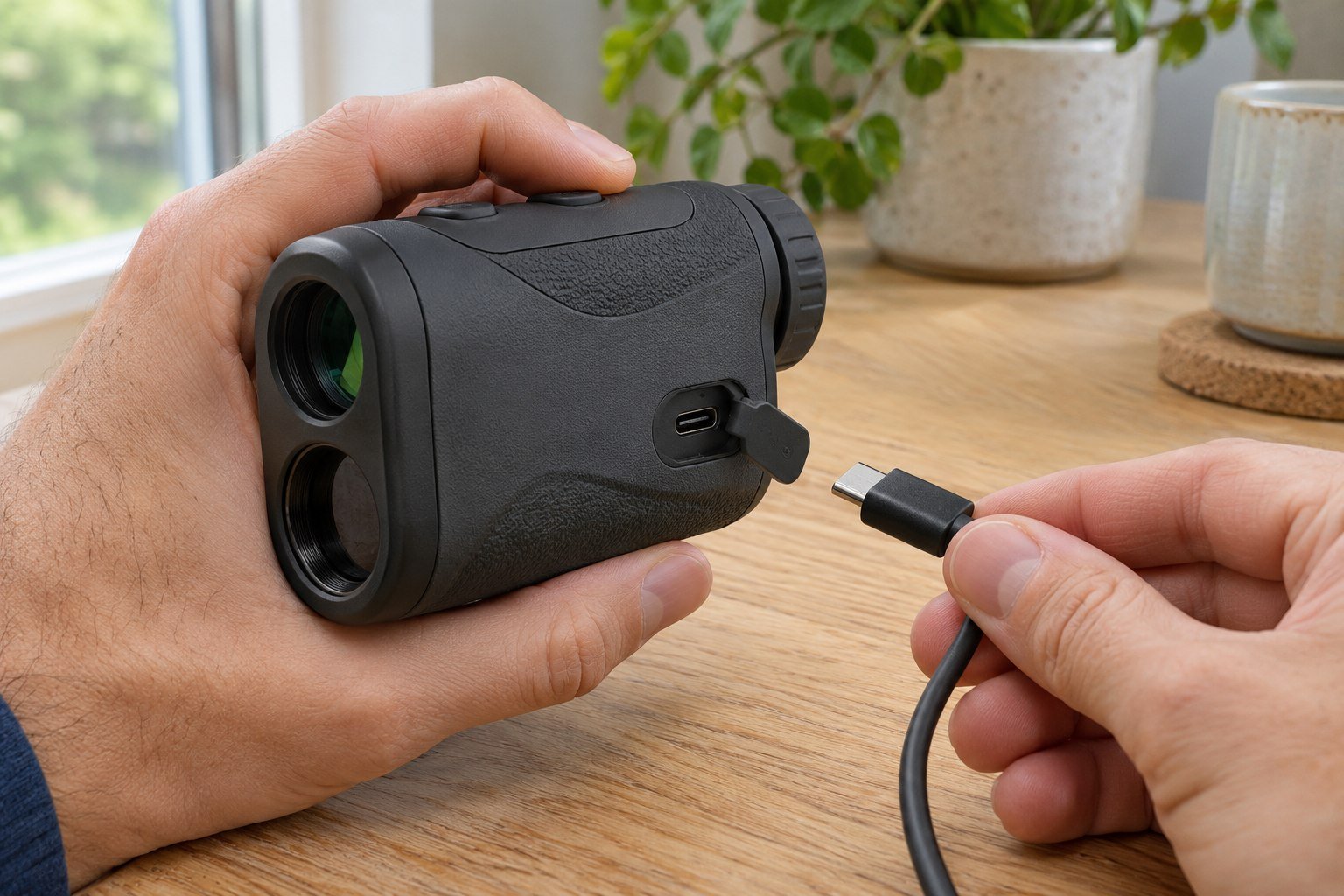
Choose the system whose preparation you will repeat. A correct spare suits golfers who prefer a replace-and-carry routine. Charging suits those who can make it a dependable part of getting ready. If your current rangefinder already fits that routine, keep it until another verified need justifies the expense.
Back to guide contents ↑Sources
- Shot Scope PROL2 support: low-battery symbol and replacement
Official model guidance; checked 24 November 2026. Manufacturer battery-life claim, not an independent test. - Garmin Approach Z82 owner's manual: specifications
Official specifications; checked 24 November 2026. Rated life and charging limits apply to this model. - Garmin Approach Z82 owner's manual: charging the device
Official charging and drying instructions; checked 24 November 2026. - Clubhouse Golf: Shot Scope PROL2, Blue
Exact retailer listing SS-LSR-L2-BLE; £129.99 checked 24 November 2026. Price can change. - Clubhouse Golf: Garmin Approach Z82, Black/White
Exact retailer listing RFGAR030; £549 checked 24 November 2026. Price can change. - Duracell: responsible battery use, care and recycling
Official guidance on correct battery type, polarity and rechargeability; checked 24 November 2026. - Duracell: battery storage questions
Official guidance on dry storage and avoiding loose cells with metal objects; checked 24 November 2026. - Garmin Approach Z82 owner's manual: device overview
Official identification of the charging connector; checked 24 November 2026.
Illustrations in this article were created for Taylor’s Trailblazing Golf. Third-party photographs, where used, are credited beside the image or in the source list.