Home Golf Launch Monitors: Space, Data and Budget Before Buying
A buying brief that connects your practice goal to usable space, supported data and the cost of ownership.
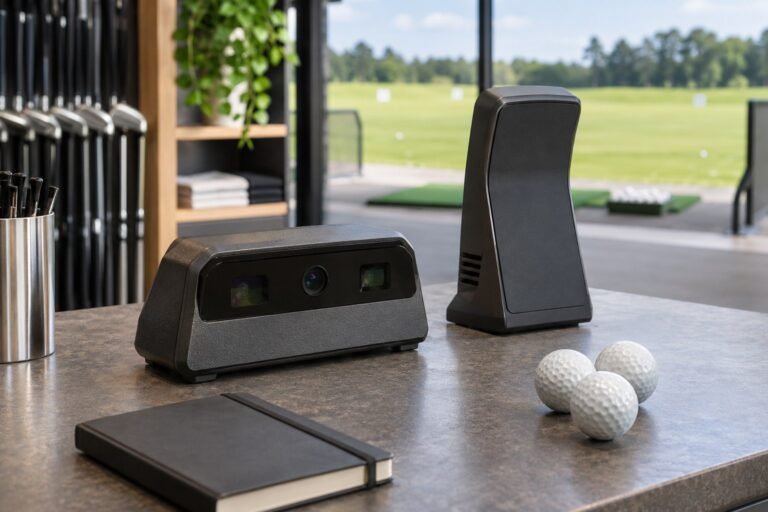
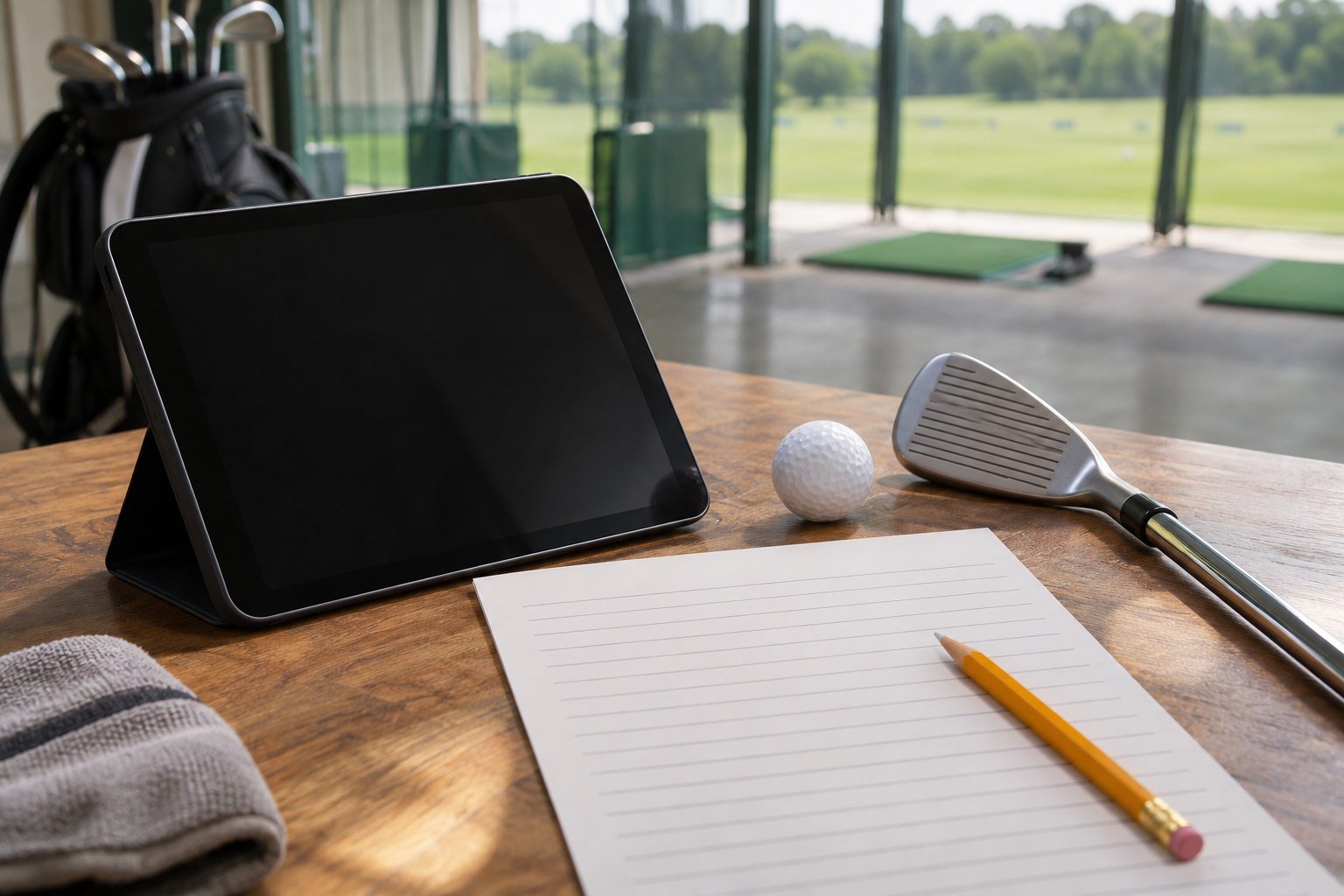
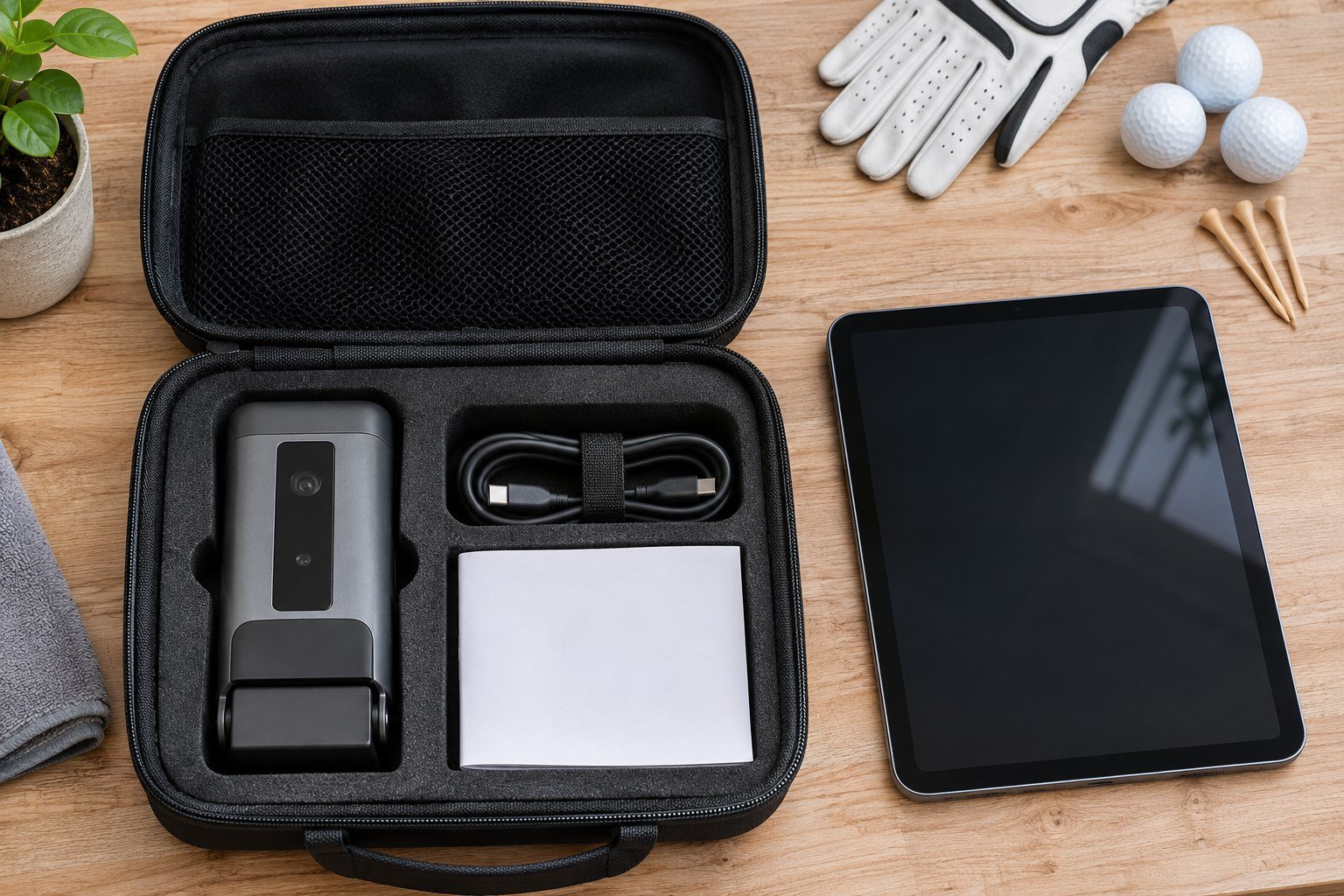
Decide what information and practice space you need before choosing a device. AI-generated illustration of generic equipment.
A launch monitor can add information to practice, but the useful purchase starts with a question more specific than “How far did that go?” You might want a record of wedge carry, feedback to discuss with a coach or virtual course play with another golfer. Those jobs do not require identical features.
This research-led guide checks published model requirements and current UK product information. It does not report hands-on tests or rank measurement accuracy. The aim is to help you decide what must be confirmed before paying, including when a smaller practice plan or occasional access to a suitable facility makes more sense.
Some links in this guide are affiliate links. If you buy through them, Taylor’s Trailblazing Golf may earn a commission at no extra cost to you. This does not change our editorial judgement.
Write down the decisions the data must help you make before comparing feature counts.
Include containment, the hitting surface, connected devices and the software mode you intend to keep.
An unconfirmed room requirement or renewal cost is a reason to hold the purchase.
Give the monitor a specific job
Write one sentence beginning “I will use this information to…” If the sentence ends with “look at more numbers”, refine it. A useful brief links a field on the screen to something you can act on or discuss with an instructor.
On a small screen, scroll sideways inside this table.
| Your main task | Information to ask for | Check before shortlisting |
|---|---|---|
| Record distance patterns | Carry results, shot history and a way to retain ordinary misses | Can you save comparable sessions and identify the ball, club and conditions? |
| Work on an instructor’s task | The particular ball or club fields the instructor needs | Does that model produce those fields in your intended indoor mode? |
| Play virtual courses | The chosen simulator, supported shots and user arrangement | What software, subscription and computing equipment are required? |
| Practise putting direction or pace | A visible task and repeatable record may be enough | Would a simpler surface and target answer the question? |
A displayed distance is not necessarily an observed landing point. Garmin, for example, lists ball speed and launch angle among the R10’s radar measurements, while carry distance and apex height are calculated. Read the definition of the field you intend to use.[1]
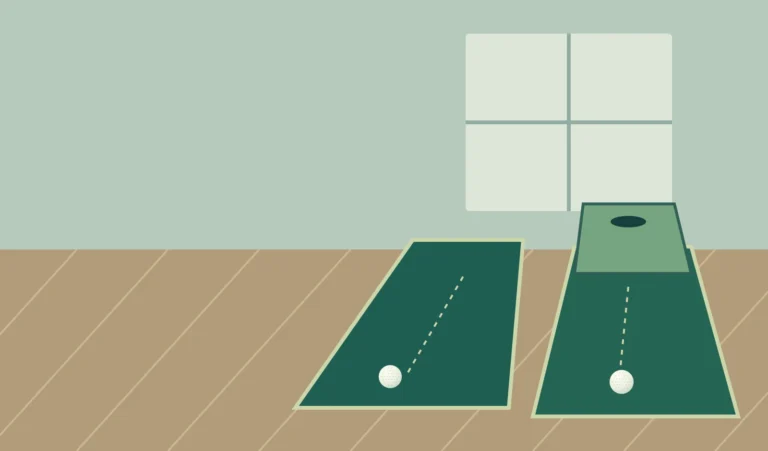
For a putting-led goal, the guide to flat versus ramped putting mats explains how the surface changes the feedback you can observe. That can help you decide whether a launch monitor solves your present problem.
Work through a complete budget before setting a device limit
The following example is entirely fictional. Maya has a £1,200 cash ceiling and wants to understand the cost of three years of practice. These amounts are arithmetic inputs, not quotations, recommendations or evidence that a particular enclosure would suit her room.
On a small screen, scroll sideways inside this table.
| Item | Illustrative amount | How it is counted |
|---|---|---|
| Launch monitor | £500 | Once |
| Suitable hitting surface and containment | £450 | Once; suitability remains to be confirmed |
| Required accessories | £50 | Once |
| Delivery | £20 | Once |
| Existing compatible display device | £0 | Assumed compatible solely for this example |
| Chosen software | £120 a year | Three annual payments assumed unchanged |
| First-year spending | £1,140 | £1,020 once + £120 software |
| Three-year spending | £1,380 | £1,020 once + 3 × £120 |
The £500 device leaves a misleading impression of headroom. The complete first year leaves £60 within Maya’s ceiling. If she also wants £100 held aside for unpriced needs, she requires £1,240 in available money: £40 more than her limit. That reserve is not spending already incurred.
Usage changes the value calculation too. At 36 sessions a year, the three-year total divided by 108 sessions is about £12.78 per session. At 18 sessions a year it becomes about £25.56 across 54 sessions. Neither schedule is a forecast. Energy, maintenance, repairs and future price changes are excluded, and no resale value has been credited.
Maya’s decision is to hold. She needs a confirmed suitable layout and complete supplier costs before reducing or increasing the plan. Removing necessary containment to preserve a preferred monitor would leave the original job unfinished. She can instead compare the confirmed total with local facility access using her own expected frequency.

Measure the room as a working practice area
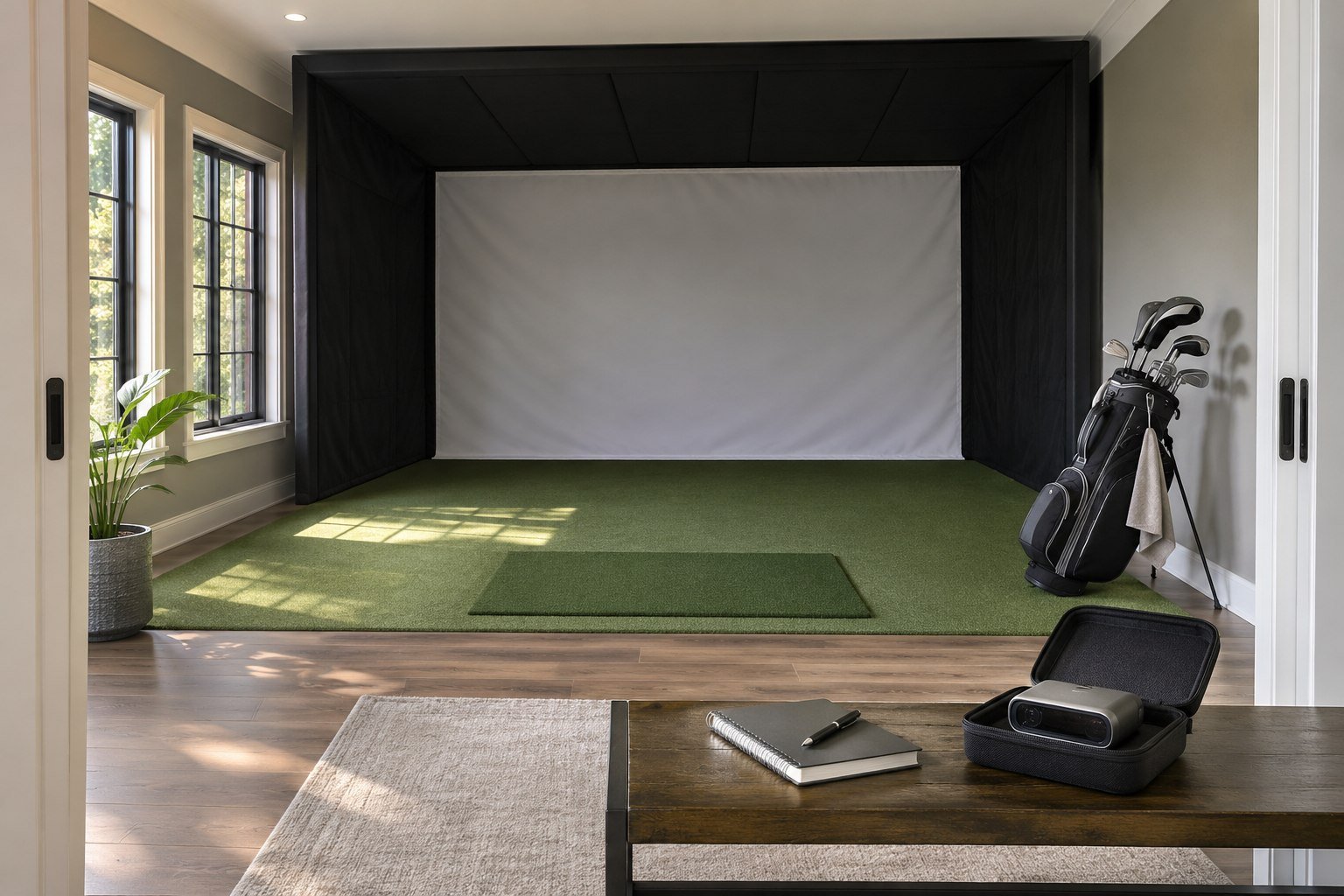
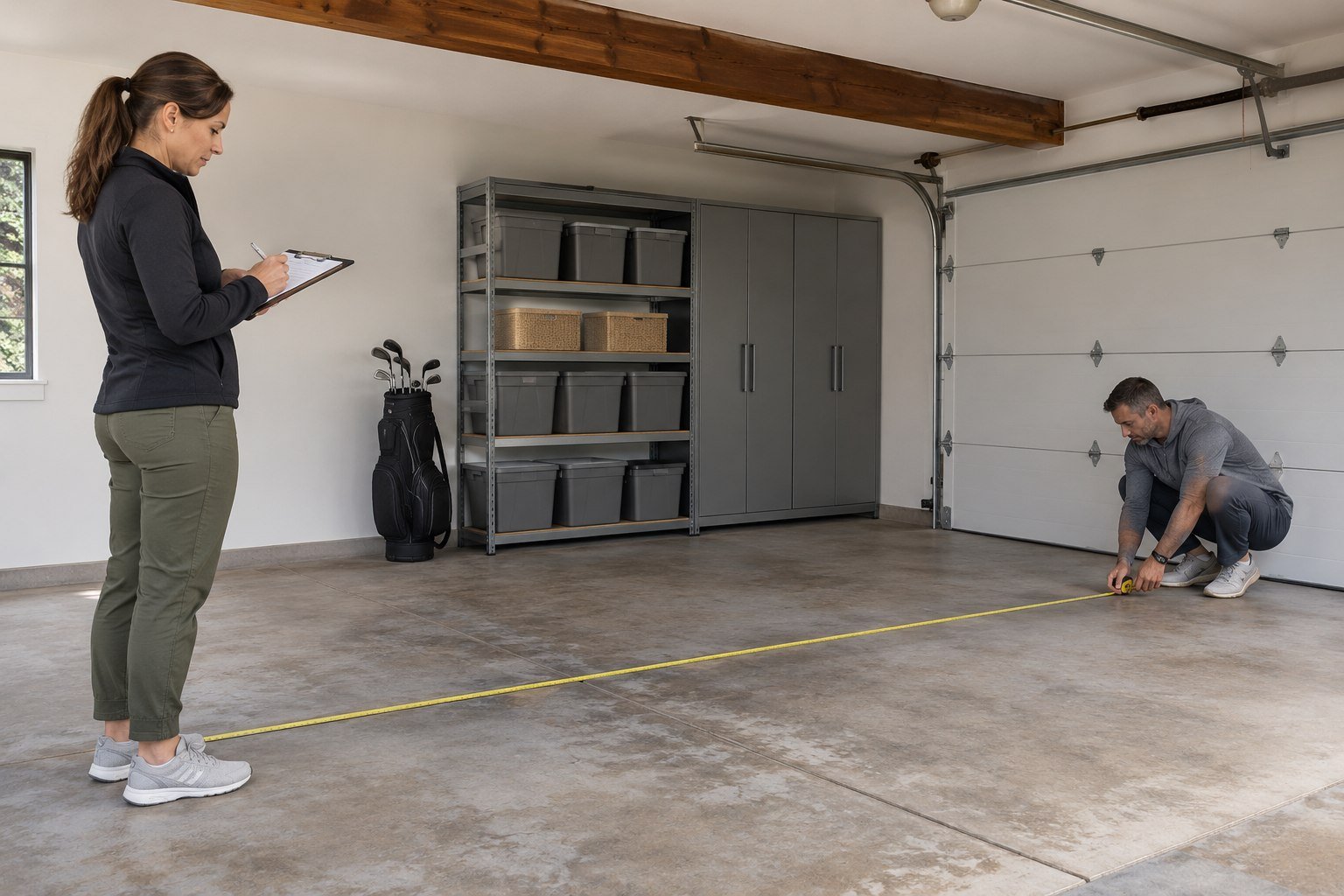
Record the usable space with the room arranged as it will be during practice. Include beams, lights, doors, shelves and stored equipment. Measure from the actual hitting surface, including its raised height, and consider every intended golfer and club.
Keep three checks separate in your notes:
- The player’s unobstructed working space, including backswing and follow-through.
- The chosen net or enclosure, its coverage and the free space its instructions require.
- The launch monitor’s position, alignment and required view of the ball.
For one concrete example, the R10 manual specifies a position 6–8 ft (1.8–2.4 m) behind the tee and at least 8 ft (2.4 m) from ball to net indoors. It also requires suitable swing clearance, net coverage and free space behind the net. Adding the tracking distances does not establish a complete safe room size.[2]
Draw a simple plan showing these separate areas. A dimension that only works with a door open, an obstruction ignored or containment moved out of position is still unresolved. Have the relevant supplier or installer assess an uncertain layout before ordering equipment or trying full swings.
If the room cannot support the intended hitting activity, the small-space putting practice guide offers a different use for the available area. Its budget is for a putting-led kit, not a full-swing bay.
Write a short requirements card for the data
A long list of metrics hides several different questions. Is the field directly measured or calculated from other inputs? Is it available with your ball and club? Does it depend on a paid plan? Can you see when a result is estimated or a shot was not captured?
Make a card for each must-have field:
- Field name and the decision it supports.
- Exact model, app and practice mode.
- Manufacturer’s description of how it is obtained.
- Required balls, markings, stickers or other accessories.
- How an estimated value, missing reading or excluded shot is shown.
- How you will save the result and its session context.
Send the card to the seller if the listing leaves a box unanswered. “It has spin” is too broad an answer when you want to know whether indoor spin rate is measured with the balls you will use. Likewise, a carry figure alone does not tell you how the software has handled conditions.
Decide which unknowns you can accept. A golfer seeking a repeatable practice record may make a different choice from someone who needs a particular measurement for coaching. Neither requirement is resolved by an attractive simulated flight.
Price the practice mode you intend to keep
Put the hardware, app and paid features on separate lines. Garmin’s membership information places Home Tee Hero virtual rounds among the membership features for the R10 and R50; its selected monthly or annual plan renews unless changed or cancelled before renewal. Check the current UK offer for your account rather than importing another region’s price.[3]
Trial language also changes. Checked on 23 November 2026, Rapsodo’s UK MLM2PRO product page advertises a 21-day Core trial. Its current membership page distinguishes Free, Core and Studios tiers and says memberships are billed yearly. Record the plan that supplies your required features after the trial.[4][5]
On a small screen, scroll sideways inside this table.
| Ask the seller or software provider | Record in your budget |
|---|---|
| What works without a paid plan? | The features you can keep using if you stop subscribing |
| Which plan supplies my chosen practice mode? | Its billing period, renewal amount and any separate third-party licence |
| Will my existing device run that exact software? | Any required phone, tablet or computer replacement |
| What happens to saved sessions and exports? | Storage limits and the access you need for future comparison |
| What changes after a trial? | The end date, features lost and action required to continue or stop |
Test compatibility against the software provider’s current requirements, including the operating system and the intended connection. A device you already own belongs at £0 only when it can perform the job. A projector can be a later choice if your selected mode can be used through a suitable existing display.
Turn the worksheet into a purchase decision
A useful shortlist is a small set of complete propositions: model, operating mode, accessories, supported connected device and total cost. Keep a separate “unconfirmed” column. Do not turn an unanswered requirement into a tick because the model has other appealing features.
For UK listing checks, Clubhouse Golf has an Approach R10 listing (affiliate link) and a distinct MLM2 Pro listing with Titleist Pro V1 balls (affiliate link). Use the exact selected version to check what is supplied, then verify your required operating features with the manufacturer. These are examples to investigate, not an accuracy ranking or a statement that either fits your room.[6][7]
Before committing, ask for a demonstration of your intended task where practical. Have the demonstrator show the chosen mode, saved results and what happens when a required feature is unavailable. A short demonstration can reveal a confusing workflow; it cannot establish every measurement’s accuracy.
- Buy when the practice job, room, supported data and complete costs are all confirmed and acceptable.
- Hold when a necessary answer is missing, even if the hardware price is attractive.
- Choose a simpler practice plan or suitable hired facility when ownership solves too little for its full cost.
Keep the completed brief with the order details. It gives you a practical reference for checking the delivered model and setting up the features you actually bought it to use.
Explore more Home Practice guides
Sources and checks
Sources were checked on 23 November 2026. Product specifications, software plans and buying terms can change. The comparison worksheets are editorial suggestions for your own assessment.
- Approach R10: measured radar metrics and calculated outputsGarmin · Checked 23 November 2026
- Approach R10 owner’s manual: preparing for a shotGarmin · Checked 23 November 2026
- Garmin Golf membership features and renewal termsGarmin · Checked 23 November 2026
- MLM2PRO UK product and current trial descriptionRapsodo Golf UK · Checked 23 November 2026
- Rapsodo Golf UK: current membership tiersRapsodo Golf UK · Checked 23 November 2026
- Garmin Approach R10: UK product listingClubhouse Golf · Checked 23 November 2026
- Rapsodo MLM2 Pro x Titleist Pro V1: UK product listingClubhouse Golf · Checked 23 November 2026
Illustrations in this article were created for Taylor’s Trailblazing Golf. Third-party photographs, where used, are credited beside the image or in the source list.