Camera-Based vs Radar Launch Monitors: Space and Data Trade-Offs
Use the technology label to ask better questions, then compare the model’s actual requirements.
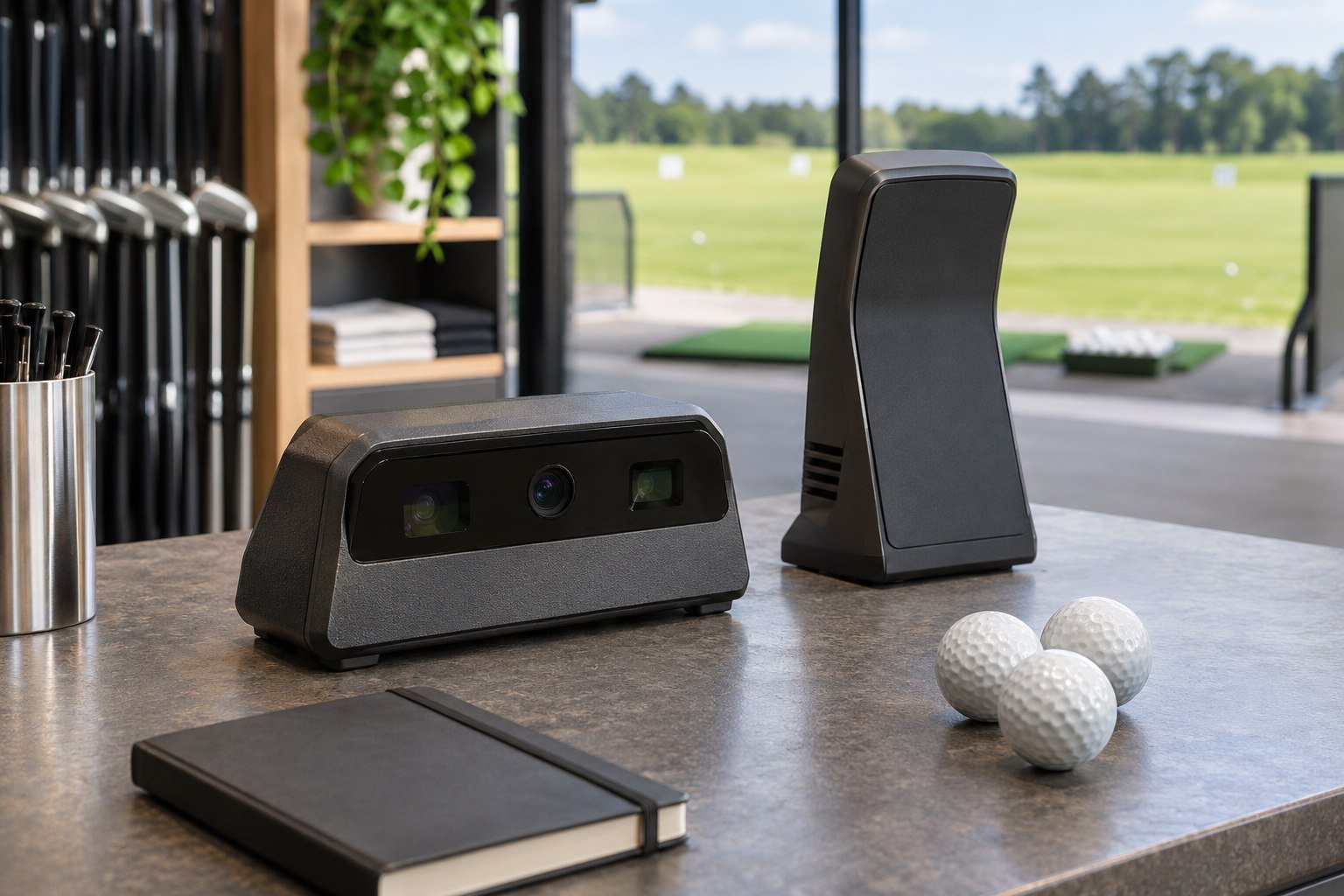
The exact model and operating mode matter more than the technology label alone. AI-generated illustration, not product photography.
A camera-versus-radar search can quickly turn into a claim that one technology is better indoors and the other outdoors. That shortcut leaves out where the unit stands, what it measures and what the selected software actually provides.
This is a research-led comparison of requirements, not a hands-on accuracy test. Garmin’s R10 and R50 provide useful contrasting examples, although they are not equivalent-price competitors. Rapsodo’s MLM2PRO adds a hybrid example. The purpose is to identify what a seller must demonstrate for your intended room and practice task.
Some links in this guide are affiliate links. If you buy through them, Taylor’s Trailblazing Golf may earn a commission at no extra cost to you. This does not change our editorial judgement.
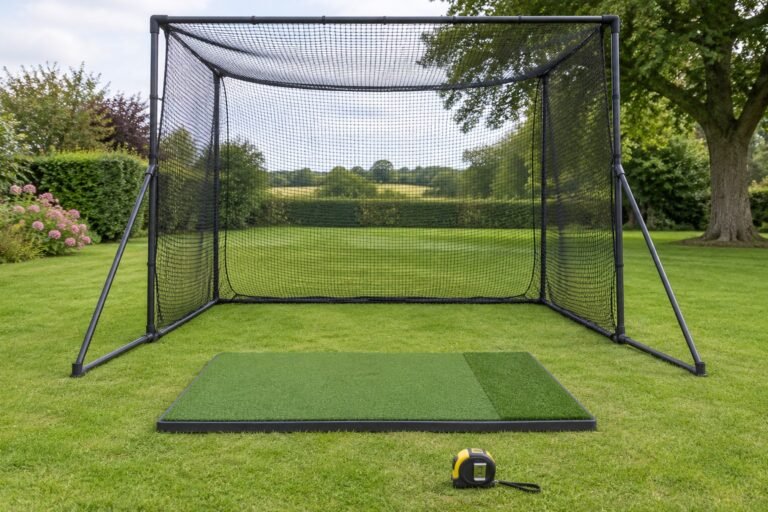
A unit beside the ball and one behind it use different parts of the practice area.
Check whether it is measured or calculated and which conditions or accessories it requires.
Handedness changes, subscriptions, video and saved results can matter as much as the sensor label.
Start with the design, then check the exact model
Garmin describes the R50 as a three-camera system and the R10 as radar based. Camera capture examines the event around impact; radar uses reflected radio signals. These descriptions explain the sensing approach, but a model’s hardware and software determine which outputs the golfer receives.[1]
The categories also overlap. Rapsodo describes the MLM2PRO as combining dual optical cameras with radar processing. Treating it as interchangeable with every camera-only or radar-only device would lose that distinction.[2]
On a small screen, scroll sideways inside this table.
| Design under consideration | First practical questions | What remains model-specific |
|---|---|---|
| Camera-based example | Where is the hitting area? What must be visible to the cameras? | Supported balls, club tracking, light conditions and available software modes |
| Radar-based example | Where does the unit stand? What ball flight and alignment does it require? | Indoor operation, measured versus calculated fields and interference guidance |
| Hybrid example | Which sensors contribute to the features you need? | Placement, special balls and plan restrictions for that model |
Use this table to build questions, rather than assigning a winner before looking at the manual. A camera in a device can also serve video capture; its presence alone does not identify how every numerical field is produced.
Compare the space each device actually occupies
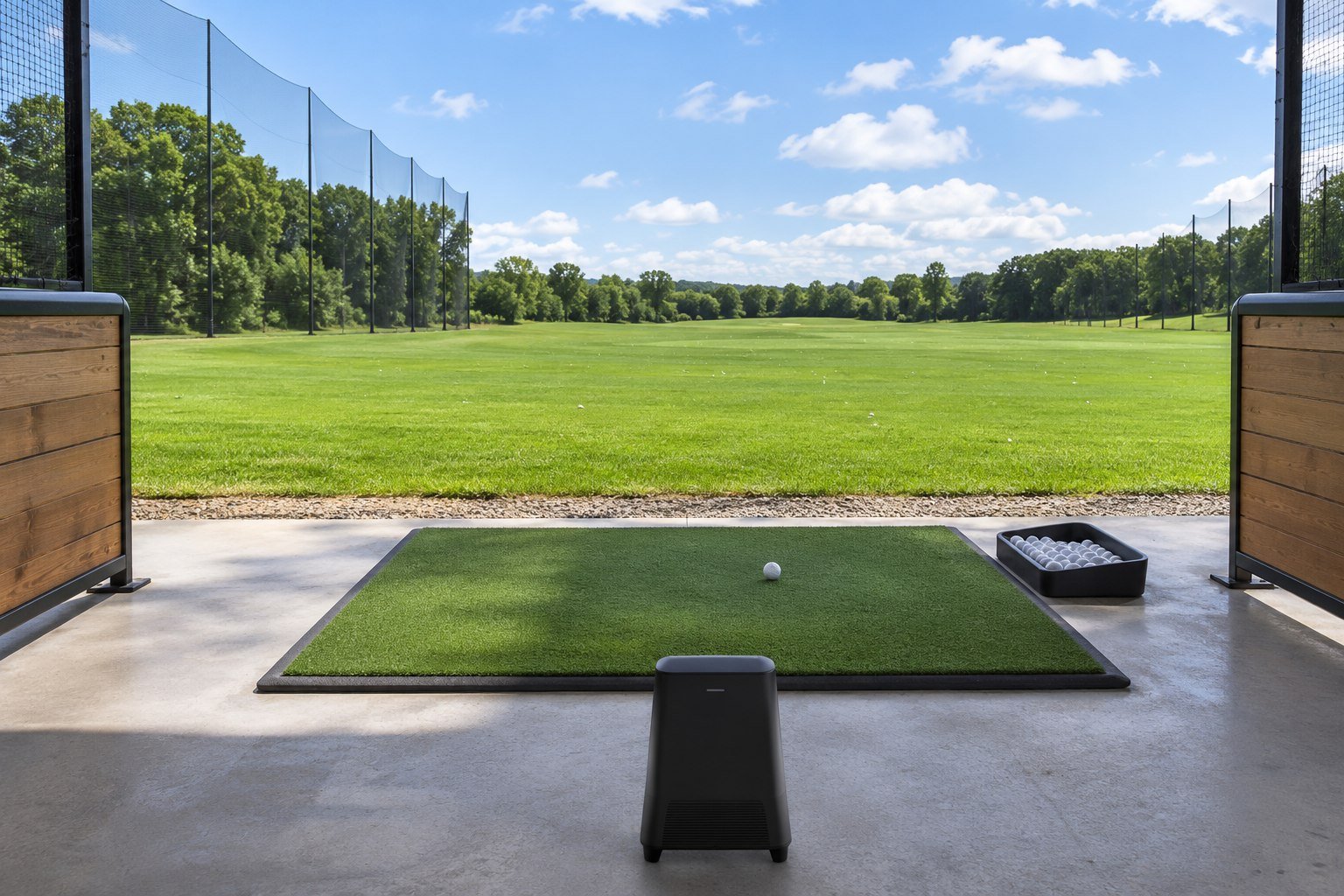
The R10 manual places the unit 6–8 ft (1.8–2.4 m) behind the tee, with at least 8 ft (2.4 m) from ball to net indoors. The R50 placement page puts that model approximately 1.5 ft (0.5 m) beside the tee, facing the ball and at approximately the same height.[3][4]
Garmin’s R50 setup support distinguishes tracking from containment: it gives no fixed ball-to-screen tracking requirement, while recommending around 8 ft or more. That recommendation does not replace the enclosure instructions or an assessment of the golfer’s working space.[5]
On a small screen, scroll sideways inside this table.
| Part of the layout | Rear-positioned example | Side-positioned example |
|---|---|---|
| Device position | Reserve the stated space behind the tee | Reserve the stated space alongside the tee |
| Hitting position | Check alignment and the permitted ball position | Check the defined hitting area and device height |
| Ball travel | Use the model’s indoor flight requirement | Check model advice as well as containment requirements |
| Player and enclosure | Assess full working clearance, all intended golfers, net coverage and free space around the containment separately | |
A short rear section may rule out one model while leaving another worth investigating. A narrow side area can create the opposite problem. Neither result approves the whole room. Measure from the final ball position and mat height, with doors and storage in their actual practice positions.

Compare definitions before comparing numbers
The words on the screen can look identical even when the inputs differ. Garmin’s R10 support identifies ball speed and launch direction as radar measurements, while carry distance is calculated. A calculated result can still support a practice task, provided you understand what it represents.[6]
Spin is a useful example of why operating conditions matter. Garmin states that the R50 measures total spin and spin axis indoors and outdoors. Its R10 discussion distinguishes spin rate from calculated spin axis; do not combine them into a single “measured spin” tick.[1]
For R10 indoor spin rate, Garmin supports Titleist RCT balls with current software. The support page specifies at least 8 ft to the net, explains that enough ball rotation is needed and says the device can fall back to an estimate when capture is insufficient. The minimum distance is therefore not a promise that every shot will produce measured spin.[7]
On a small screen, scroll sideways inside this table.
| Write down | Reason for the check |
|---|---|
| The exact field | Spin rate, spin axis, club path and face angle answer different questions |
| Measured or calculated | The label should reflect the manufacturer’s description for the selected mode |
| Conditions and accessories | A ball, marker, software plan or placement requirement can affect availability |
| Failure or estimate indicator | You need to recognise a missing capture or substituted estimate |
For example, Garmin’s R10 Driving Range support says italicised spin rate denotes an estimate. Ask the demonstrator to show the relevant indicators in the actual app version instead of assuming every visible number has the same status.[8]
Two monitors producing different carry numbers does not, by itself, identify the inaccurate one. Establish the field definitions, ball, mode and environmental settings before drawing conclusions. This article supplies no independent accuracy ranking.
Include the work needed to obtain the data
Accessory requirements belong in the comparison. Garmin requires a club-face sticker for R50 club data and says club data is not recorded for putting. Rapsodo’s current MLM2PRO membership table places measured spin rate and spin axis in paid tiers and specifies RPT balls for those fields.[9][10]
RCT and RPT are different requirements in these examples. Record the exact compatible ball for the chosen device; do not treat a generic marked ball as an interchangeable solution. Include replenishment in your plan without assuming a fixed replacement rate.
Then consider a full session, especially in shared space:
- How do you reproduce the ball position and alignment after storing the unit?
- Does changing between right- and left-handed players require moving hardware, changing a setting or both?
- Can the next golfer use the same saved session or should results be separated?
- Can the intended phone, tablet or computer show the chosen mode where you need it?
- Which video is captured, and can it be retained or exported under your plan?
A room serving two golfers should be assessed for both users before a convenience claim is accepted. A unit that needs moving may still be practical if the process is straightforward; a fixed-looking installation still needs its own handedness and hitting-zone check.
Environment checks differ too. Garmin’s R10 advice identifies possible radar interference from appliances, fans and metallic or shiny surroundings. It says radar shot detection works in low light, while Swing Capture video needs lighting.[12] For the R50, Garmin warns about reflective surfaces and spotlights washing out the ball.[5]
Inspect the room under the conditions you expect to use: lights on, equipment in place and the normal background visible. Ask how any troublesome feature would be addressed before treating the location as suitable. For an outdoor demonstration, check the model’s weather and placement instructions too. “Works outdoors” does not establish suitability for every range bay.
Use a completed comparison to separate rejection from a hold
This household example is fictional. Priya and Ben want to share indoor practice and occasionally take a device to a range. Their proposed ball position leaves only 1.2 m of unobstructed space behind it. The enclosure, swing clearance and side-positioned layout have not yet been assessed.
On a small screen, scroll sideways inside this table.
| Decision row | Rear-positioned R10 candidate | Side-positioned R50 candidate |
|---|---|---|
| Rear placement | 1.2 m is 0.6 m short of the stated 1.8 m minimum: reject this proposed layout | The same rear-distance rule does not apply; assess its own side placement |
| Working space and containment | Unconfirmed | Unconfirmed |
| Changing handedness | Ask for the exact setup and app workflow | Ask for the exact setup and app workflow |
| Required indoor data | List fields, balls and estimate indicators | List fields and club-sticker requirements |
| Decision today | Do not buy for this proposed position | Hold pending room assessment, demonstration and complete costs |
The camera model has survived one elimination question; it has not won the purchase. The couple should not move the ball towards the net simply to create rear room without checking every affected requirement again. A different room or range-based use would be a fresh comparison.
If neither layout is suitable, a putting-led small-space kit is a separate home-practice option. It does not provide the launch data in this worksheet, but it may give the available room a useful role.
Ask for a demonstration that answers your unresolved questions
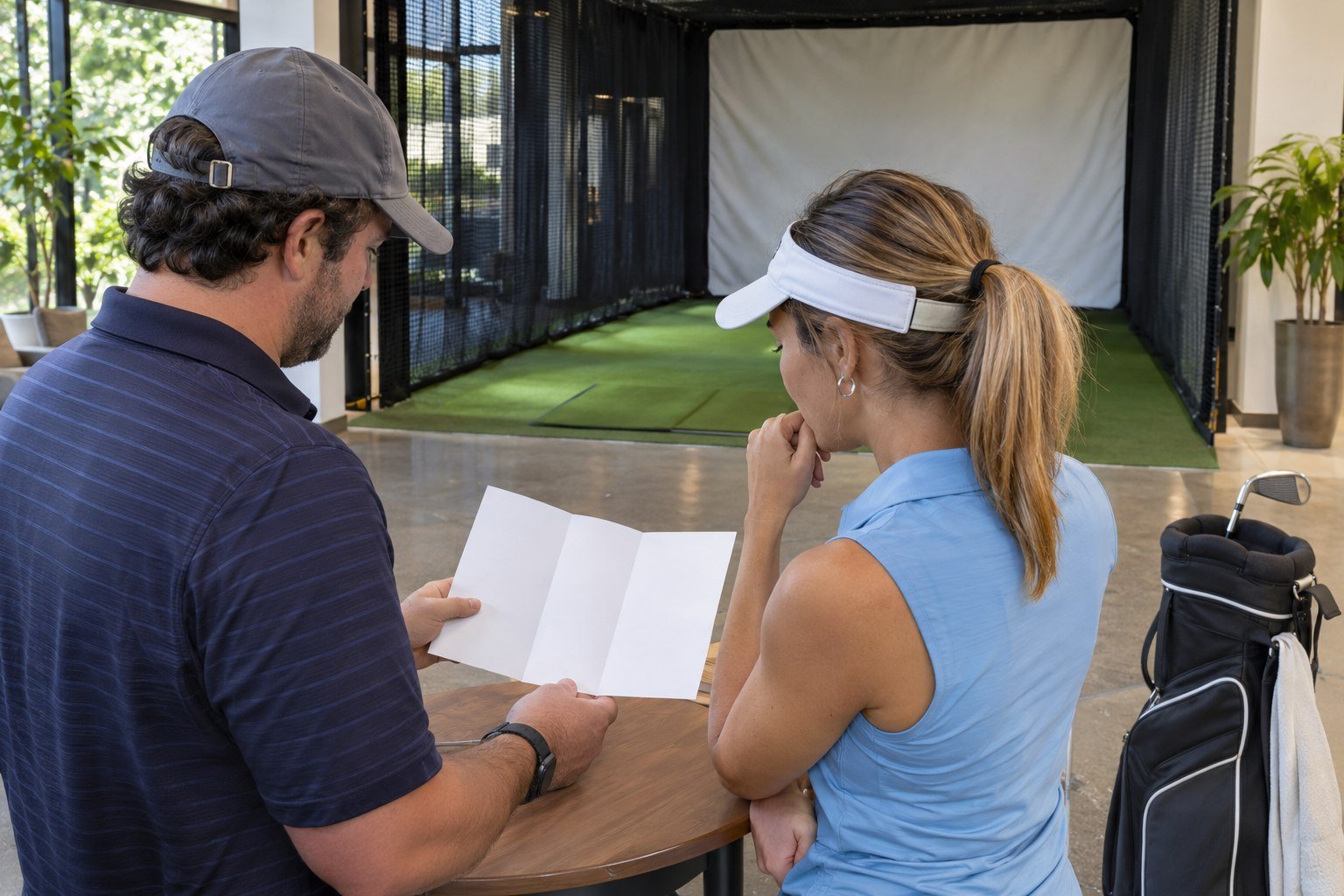
Take the worksheet to a supplier with a suitable demonstration area. Agree the model, current software, mode, ball and club accessories first. Ask to see the requirements reproduced, the saved session and the user changeover you expect to make at home.
Keep a simple record of whether each required feature was shown and what remains unconfirmed. If you observe a missed reading, ask how it is identified and handled; silently removing it would conceal a workflow question. A short shop session can help judge setup and interpretation, but it does not establish a general accuracy tolerance.
If your underlying task is comparing a club’s useful outdoor results, evaluating a hybrid without a launch monitor explains how to record visible landing outcomes while keeping their limits clear. Decide whether that answers your immediate question before paying for a specific numerical field.
For the side-positioned example discussed here, you can inspect the Garmin Approach R50 UK listing at Clubhouse Golf (affiliate link). Verify the supplied accessories and the software plan needed for your intended use. The listing is a shopping reference, not evidence of an independent comparison test.[11]
Choose the model whose confirmed requirements fit your room and data task, with a workflow you can repeat. Keep a candidate on hold when the evidence is incomplete. The camera-or-radar label helps organise the questions; the completed answers decide the purchase.
Explore more Home Practice guides
Sources and checks
Sources were checked on 23 November 2026. Product specifications, software plans and buying terms can change. The comparison worksheets are editorial suggestions for your own assessment.
- Garmin UK: R50 and R10 sensing and metric differencesGarmin · Checked 23 November 2026
- MLM2PRO UK: dual cameras and radar processingRapsodo Golf UK · Checked 23 November 2026
- Approach R10 owner’s manual: preparing for a shotGarmin · Checked 23 November 2026
- Approach R50 owner’s manual: placement considerationsGarmin · Checked 23 November 2026
- Garmin: tips to improve the R50 setupGarmin · Checked 23 November 2026
- Approach R10: measured and calculated outputsGarmin · Checked 23 November 2026
- Garmin: using a Titleist RCT ball with the R10Garmin · Checked 23 November 2026
- Garmin: recognising estimated spin in R10 Driving Range modeGarmin · Checked 23 November 2026
- Approach R50 owner’s manual: applying club stickersGarmin · Checked 23 November 2026
- Rapsodo UK membership table: MLM2PRO-specific data conditionsRapsodo Golf UK · Checked 23 November 2026
- Garmin Approach R50: exact UK product listingClubhouse Golf · Checked 23 November 2026
- Garmin: R10 indoor and outdoor placement challengesGarmin · Checked 23 November 2026
Illustrations in this article were created for Taylor’s Trailblazing Golf. Third-party photographs, where used, are credited beside the image or in the source list.