Remote-Control Golf Trolleys: Safety, Terrain and Storage
The useful question is how confidently you can control the trolley through an ordinary round, from the first start to the final stop and the journey home.
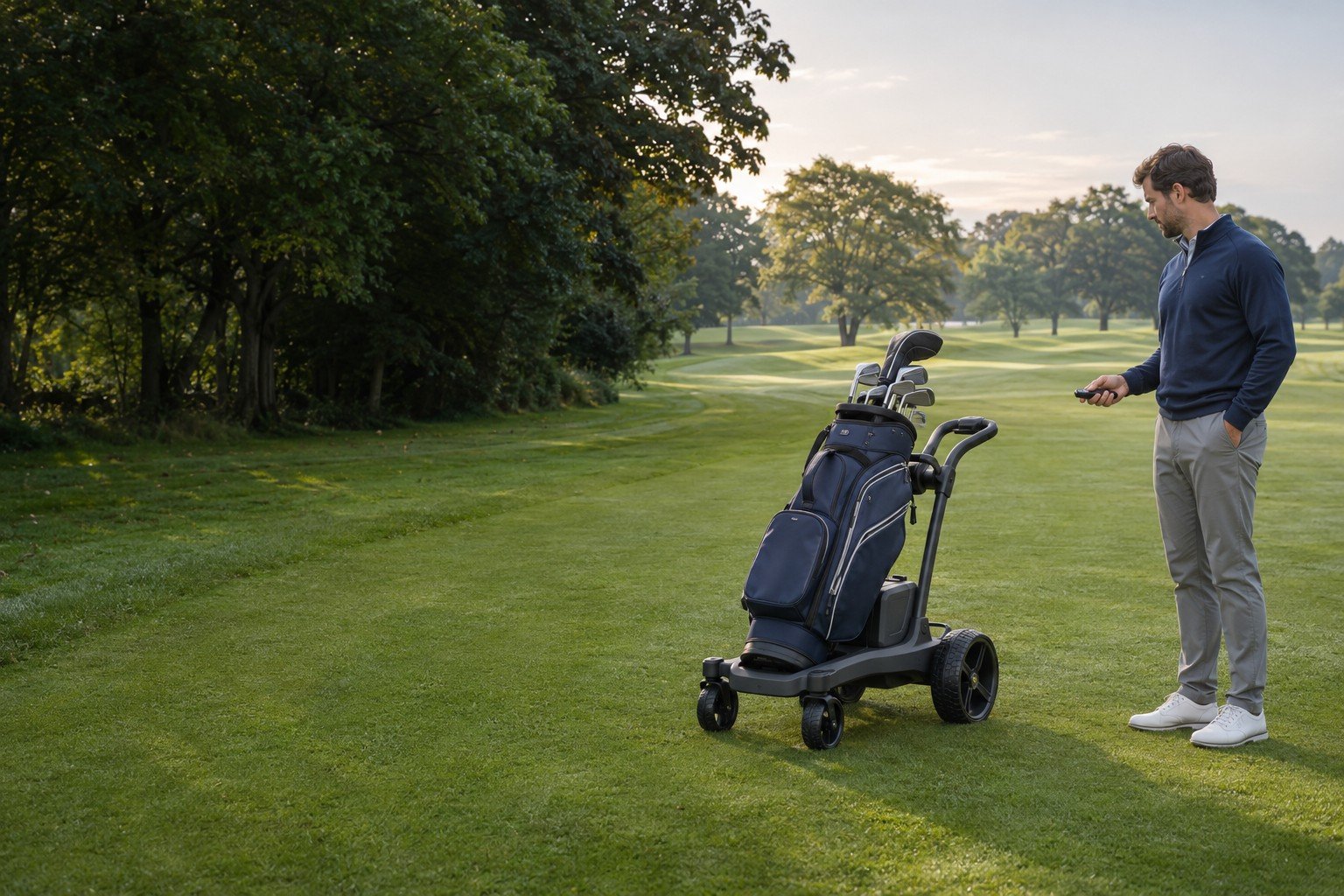
AI illustration. Keep the trolley and the route ahead in view.
This guide contains affiliate links. If you buy through them, Taylor’s Trailblazing Golf may receive a commission at no extra cost to you.
A remote trolley changes how you move your equipment, but it still needs your attention. The useful buying question is how its controls, operating limits and storage routine fit the course you normally play.
Research-led guidance for UK golfers. Read how we assess golf equipment for the distinction between documented features and hands-on testing.
Learn the exact stop, lock and mode controls before moving.
Choose a working distance from conditions, not radio range.
Pause before narrow paths, uncertain ground or other people.
Plan a dry home for the trolley, handset, battery and charger.
Remote-control golf trolleys still need an attentive operator
A remote handset changes where you stand while the trolley moves. It does not remove the need to watch the route, anticipate other people and choose a suitable operating mode. Before comparing features, ask whether you can comfortably observe the trolley, identify its controls and stop it without searching through a pocket.
The 2026 M7 REMOTE manual recommends initial practice on open grass; surface and bag load affect speed and steering.[1]
Keep advertised radio range separate from a sensible working distance. PowaKaddy’s 2026 RX Remote manual requires uninterrupted sight of the trolley and visible hazards, despite specifying a conditional range of up to 100 metres.[2]
The practical question is how much of the route you can judge and manage now. A crest, hedge, parked buggy or group of golfers can change that answer long before the handset loses its connection. Keep the trolley close enough for the conditions; there is no single distance that makes every course safe.
Back to the start ↑Rehearse the controls before the first tee
Use the exact manual to identify four different actions: start and speed adjustment, normal stop, handset lock, and the transition between remote and handle control. Similar-looking buttons can behave differently between generations. A retailer demonstration is useful, but keep the instructions for the particular trolley and handset you receive.
On the 2026 M7 REMOTE, handset locking disables directional controls but preserves Stop; a trolley in Manual Mode keeps running. Stop deliberately before securing the handset.[1]
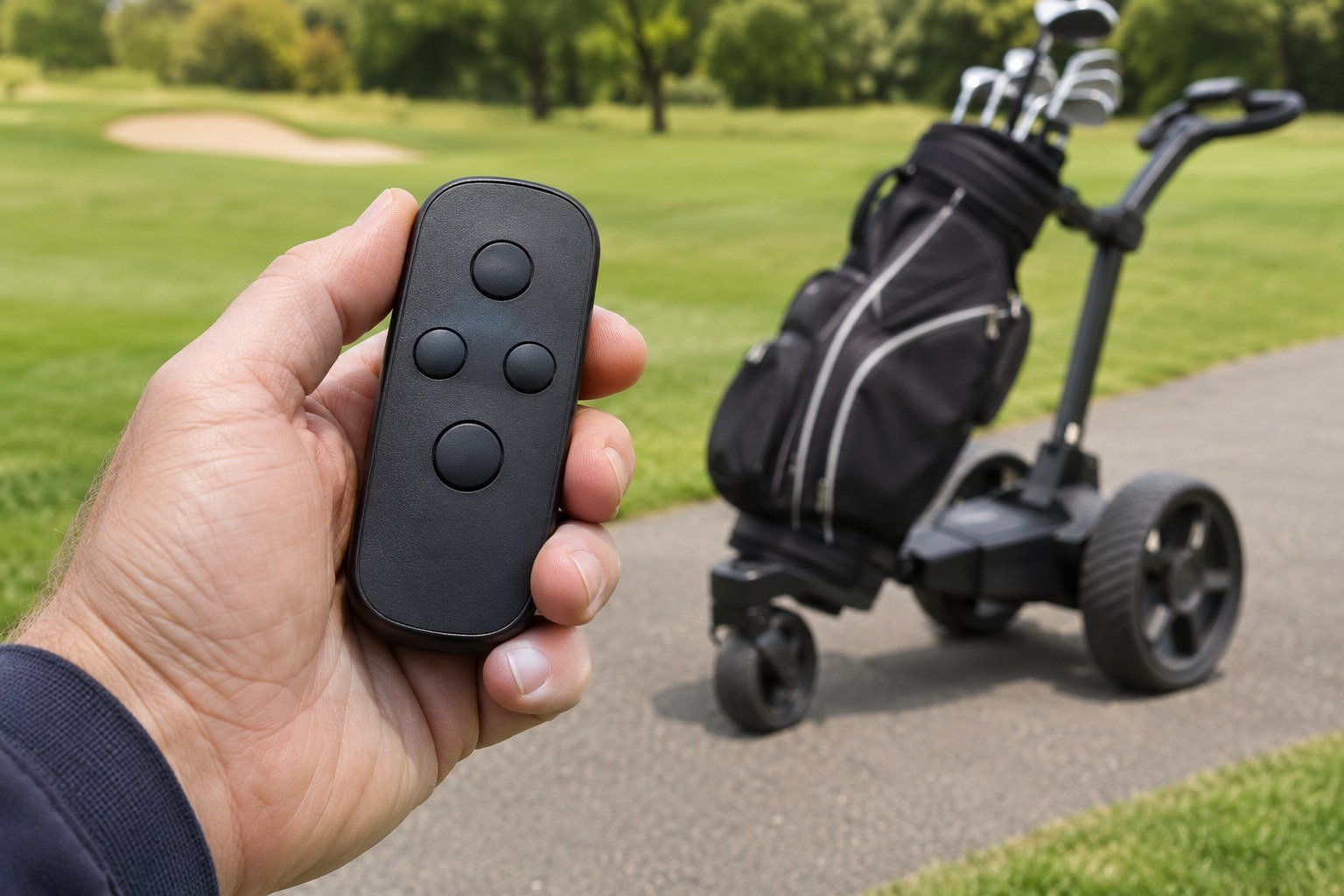
Before leaving home, check the handset as well as the main battery. Know how its charge indication works and where you will carry it without pressing buttons accidentally. At the course, make a brief, controlled start-and-stop check in the maker’s recommended practice area, with a clear route and your attention entirely on the trolley.
The M7 REMOTE specifies a 120-second remote-command timeout and an out-of-range motor cut-out. These safeguards do not assess the route.[1]
If the commands or mode indication do not behave as the manual describes, end the check and seek support. Repeatedly pressing buttons while the trolley heads towards a hazard is not a useful diagnostic method.
Back to the start ↑Use a terrain and controller go/no-go check
Make this short assessment before setting off and repeat it when the route changes. It is an editorial decision aid drawn from the manual issues discussed here, not a slope rating or a substitute for the trolley’s instructions. A single unresolved problem is enough to pause.
On a small screen, swipe inside the table to read every column.
| Check | Ready to proceed | Change the plan or stop |
|---|---|---|
| Controller | You know the active mode and can use the prescribed stop control. | Unclear mode, unreliable response or insufficient handset charge. |
| View ahead | The trolley and its intended route remain clearly visible. | A crest, vegetation, people or structures hide the route. |
| Ground | The route suits the exact model, current conditions and your footing. | Standing water, deep ruts, uncertain grip or a slope you cannot assess confidently. |
| Space | There is room to steer and stop without crowding anyone. | A narrow entrance, car park or nearby hazard needs a different route or prescribed mode. |
| Setup | The normal load, wheels, restraints and required stabiliser are correctly fitted. | Loose equipment, an unsecured bag or an incomplete setup. |
| Course permission | The trolley and fitted wheels meet the course’s current instructions. | A closure, trolley restriction or wheel requirement prevents this configuration being used. |
Do not turn the rows into a points total. Good battery charge cannot compensate for a hidden route, and extra traction cannot make an unsuitable crossing acceptable. Ask the club about restrictions when conditions are doubtful; yesterday’s arrangement may not be today’s.
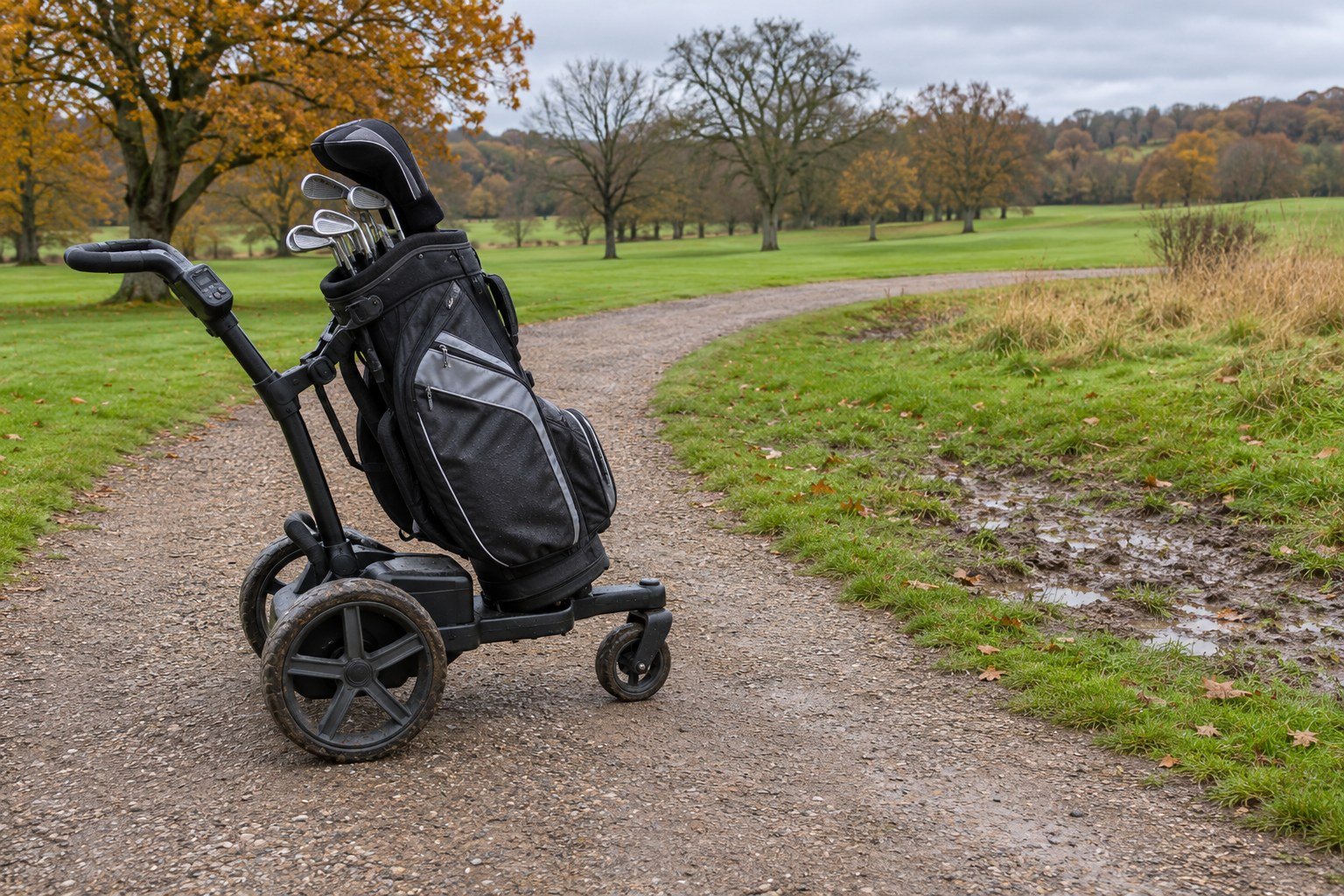
Change mode before the route becomes tight
Plan the approach to the clubhouse, narrow paths and bridges while there is still room to stop. Pause in a suitable place, select the method prescribed for that situation, and confirm the mode before continuing. Do not wait until a wheel is close to an edge to work out the controls.
The M7 REMOTE requires its rear anti-tip wheel, advises Manual Mode near water or in confined areas, and prohibits hand-steering in remote mode.[1]
A handle-controlled mode can give you closer supervision, but it does not make every bridge, bank or wet patch suitable. Follow any course routing and use another permitted route if the available space or ground is doubtful. A clear view from a distance is not the same thing as a clear path through.
Do the mode change with the trolley under control, using the sequence in its manual. Avoid borrowing a button combination from a video about a similar model. If you lend the trolley to another golfer, explain the stop and mode controls before handing over the handset, and let them complete their own brief familiarisation.
Back to the start ↑Treat terrain features and wheel choices as conditional
Downhill-control and stability features need to be understood within the manufacturer’s instructions. Their names do not provide a universal maximum slope, stopping distance or permission to cross any bank. PowaKaddy’s 30V MAX safety sheet specifically cautions about tipping on steep hills and when traversing slopes.[4]
Look beyond the surface immediately beneath the wheels. Consider where the trolley would go if the route narrowed, where you could stop, and whether your own footing lets you stay in control. Choose the established permitted route instead of improvising a short cut around a bunker or through standing water.
Accessories can also change the permitted operating mode. Motocaddy’s 28V DHC Hedgehog Winter Wheels listing specifies Manual Mode only for its listed M7 Remote application. Confirm the exact generation and wheel combination before buying.[3]
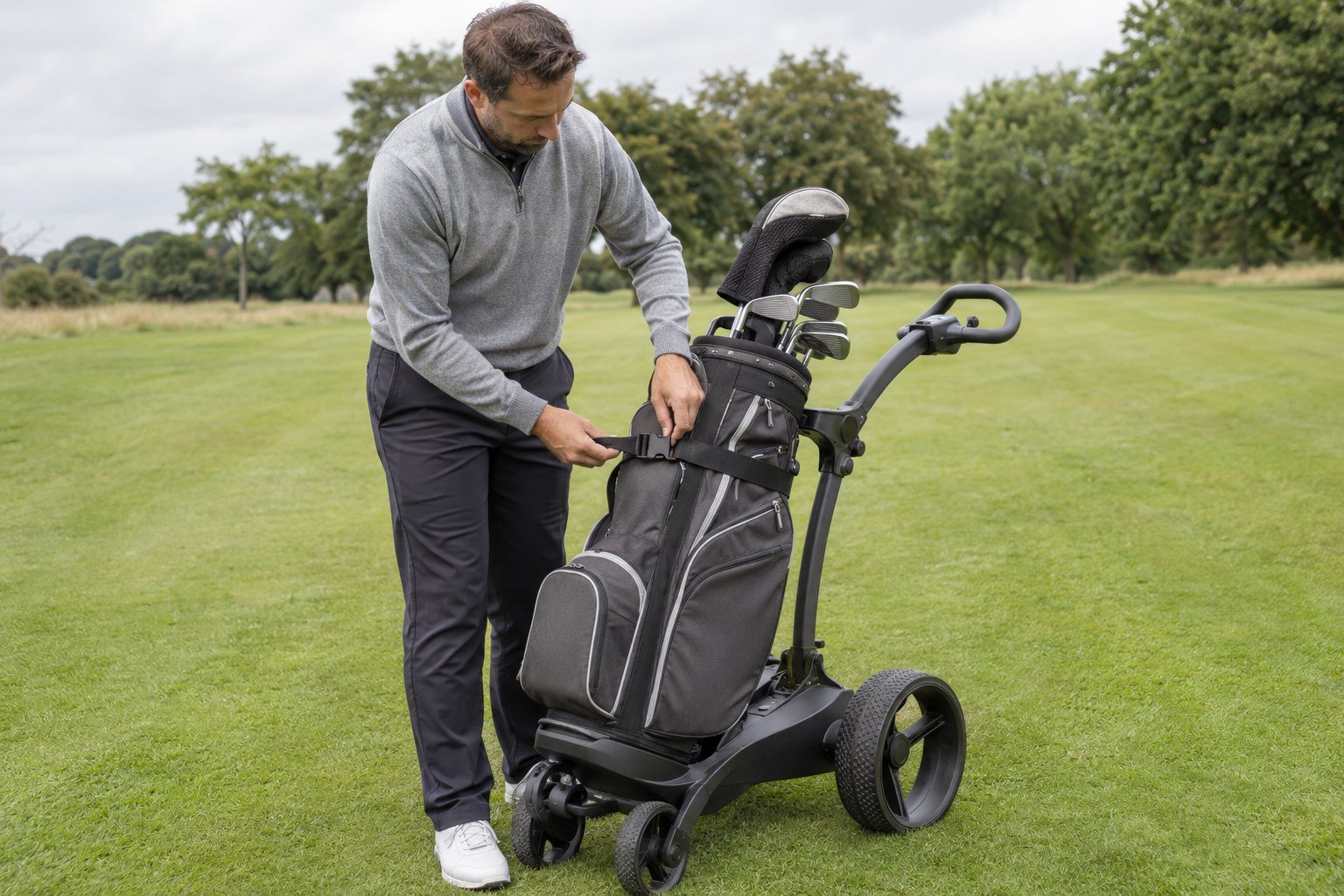
Keep required anti-tip equipment deployed as instructed, and check that the bag and ordinary accessories remain secure. A stabiliser is part of the prescribed setup; it is not a guarantee against overturning. Do not deliberately tip the trolley or drive it onto a difficult slope to find its limit.
If the course requires a wheel configuration that prevents remote operation on your model, decide whether using its permitted manual mode still suits your round. That is a real buying consideration, especially for regular winter golfers.
Back to the start ↑Plan ordinary stops and recognise a reason to finish
Choose where to stop before reaching into the bag or preparing a shot. Use the trolley’s prescribed stopping and parking method, confirm it is stationary, and keep the handset secure against accidental input. A remote stop command and a parking procedure are separate things to understand.
Do not leave the trolley heading towards its destination while your attention moves to club selection. The simplest routine is to finish the movement, deal with the trolley and then retrieve the club. That also gives other golfers a predictable path past you.
If control becomes inconsistent, the wheels repeatedly snag or the bag shifts, stop in a suitable place and investigate only the ordinary checks authorised in the manual. A clear obstruction may be obvious; an electrical, brake or structural problem needs appropriate support. Do not improvise a repair to complete the round.
PowaKaddy’s safety instructions say to stop using equipment that is damaged, submerged or behaving abnormally and seek its support. They also prohibit using or charging a battery that has been immersed in water.[4]
Have a practical way to end the round if the system is unavailable. An approved manual or freewheel option must be used exactly as instructed; it should not be assumed to retain powered braking behaviour. Arrange help when necessary rather than trying an unfamiliar recovery method on a slope.
Back to the start ↑Store the trolley, handset and battery as a system
Give storage the same attention as the playing features. You need a suitable place for the folded frame, a safe battery-charging location and a consistent home for the handset. Check these before buying a remote trolley, particularly if your current equipment lives in an exposed shed or car boot.
The M7 REMOTE’s care instructions specify indoor storage, drying excess water and damp-cloth cleaning; pressure washers are excluded.[1]
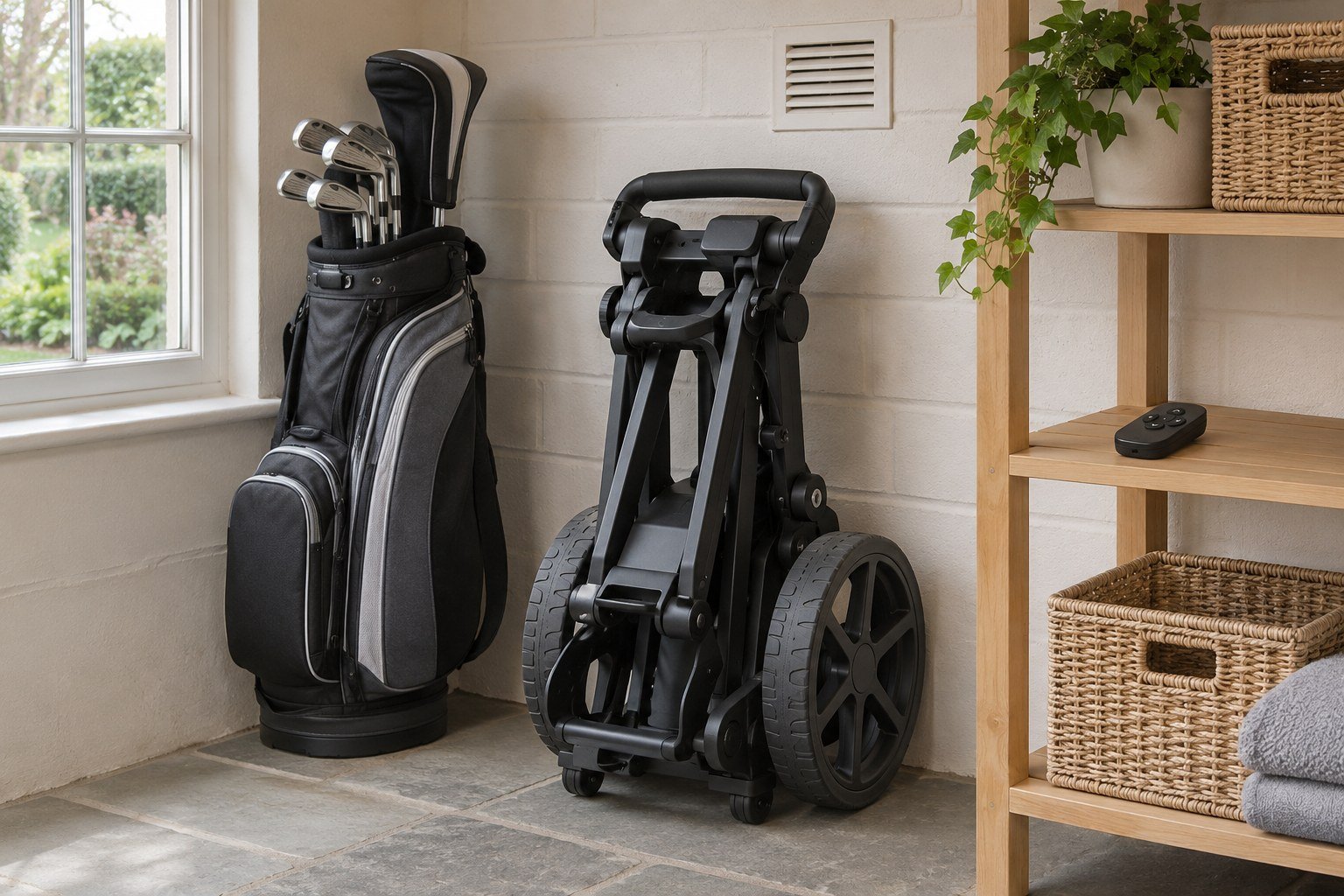
Let the normal post-round routine finish before enclosing equipment in a transport cover. Clear the storage space, protect the handset from unintended button presses and follow the prescribed power-off or battery-disconnection arrangement. Folding, locking a handset and switching off the battery are different actions; one should not be assumed to perform all three.
PowaKaddy’s safety guidance specifies the matched charger, a hard flat charging surface, protection from wet conditions and an uncovered charger. It rules out use of damaged battery casings or terminals. Leave battery and charger repairs to the appropriate service provider.[4]
For a longer break, follow the exact battery’s storage instructions and record when its next check is due. The 2026 RX Remote manual calls for a fully charged battery before storage and recharging every three months. That timetable belongs to the specified PowaKaddy system; do not transfer it to another battery.[2]
Battery range is a different question from storage. The published guide to 36-hole battery claims explains why the approved trolley application and real conditions matter.
Back to the start ↑Choose the routine you can manage every round
A useful demonstration should include the controls, the transition to handle operation, normal stopping, the folded trolley and the storage arrangements. Bring the questions raised by your usual course: narrow approaches, winter wheel rules, hilly stretches and the distance between the car park and first tee.
The 2026 Motocaddy M7 REMOTE is one documented example with remote navigation and handle-control modes. If that is the model you are considering, view the M7 Remote Extended Lithium listing at Clubhouse Golf and confirm the supplied generation and battery bundle. It is an example for a demonstration, not a model this site has tested or ranked.[5][6]
Ask the supplier to show the exact manual and explain anything the product description leaves unclear. Make sure the person who will use the trolley can operate it, fold it and store it with ordinary golfing kit. A feature that adds complexity without helping that routine is not automatically an advantage.
The right purchase is the system whose controls, permitted use and daily storage you understand. If you already have that, there is no need to replace it simply for a longer advertised range. Explore the wider Trolleys & Course Accessories guides for related equipment decisions.
Back to the start ↑Questions before you decide
Is a remote trolley the same as a follow trolley?
Do not treat the labels as interchangeable. A remote-control model responds to its handset; a product with a separate follow function needs its own instructions and operating conditions. This guide concerns the manual and remote modes in the cited models, not automatic following or obstacle detection.
Does a motor cut-out guarantee that the trolley stops before a hazard?
No. A timeout or lost-signal feature is not a measured stopping-distance promise. Its trigger and behaviour belong to the exact model. Keep the route visible, use the normal stop control early and follow the prescribed parking method instead of relying on a safeguard to manage the route.
Can I practise the remote controls in a crowded car park?
Choose the practice setting specified by the manufacturer. The manuals discussed here favour an open grass area for familiarisation and require or advise manual control in confined situations. A crowded car park is a poor place to discover how the trolley turns, changes mode or responds to a stop command.
Sources and editorial checks
Manufacturer specifications and instructions inform this guide. The comparison and checklists are editorial decision aids, not results of hands-on product testing.
- Motocaddy — 2026 M7 REMOTE instruction manualPages 3–5, 11 and 16–17: 2026 M7 REMOTE use, care, required stabiliser, cut-outs and handset-lock behaviour. Checked 23 November 2026.
- PowaKaddy — RX Remote owners manual, 2026 REV2Pages 3–4 and 14: visible route, conditional remote range, standing-water restriction, anti-tip arrangement and battery-storage schedule. Current RX Remote manual linked from official support. Checked 23 November 2026.
- Motocaddy UK — 28V DHC Hedgehog Winter WheelsThe listed M7 Remote application restricts these wheels to Manual Mode; confirm the exact generation. Checked 23 November 2026.
- PowaKaddy — 30V MAX product safety instructionsCurrent official support link to the two-page safety sheet: slope caution, damaged/submerged equipment, compatible charger and charging environment. Model-specific remote instructions still govern operating mode. Checked 23 November 2026.
- Motocaddy UK — 2026 M7 REMOTEOfficial 2026 model identification and documented remote/handle modes. Features are manufacturer descriptions, not original performance tests. Checked 23 November 2026.
- Clubhouse Golf — M7 Remote, Extended Lithium BatteryVerified UK listing with the current 2.8-inch display, USB-C handset and cable-free battery description. Confirm the precise supplied generation and bundle; no price or stock guarantee. Checked 23 November 2026.
Illustrations in this article were created for Taylor’s Trailblazing Golf. Third-party photographs, where used, are credited beside the image or in the source list.