

Golf GPS Watch Battery Life: Golf Mode vs Smartwatch Mode
Match the quoted operating mode to your day, then plan when you can charge. A headline number cannot describe every mixture of golf and everyday wear.
AI illustration. Plan charging around the time you expect to use golf GPS, alongside any everyday watch use.
This guide contains affiliate links. If you buy through them, Taylor’s Trailblazing Golf may receive a commission at no extra cost to you.
Golf GPS watch battery life depends on what the watch is doing. Match each quoted figure to its named mode, then plan charging around the time you expect to spend playing, travelling and using the watch between rounds.
Research-led guidance for UK golfers. Read how we assess golf equipment for the distinction between documented features and hands-on testing.
Keep the manufacturer’s operating-mode label beside the battery figure.
Include active setup time and the period before you can next charge.
Assess battery life with the settings you actually want to use.
Golf GPS watch battery life: compare the right operating mode
A watch used mainly to tell the time has a different job from one supplying satellite-based distances throughout a round. The word “days” on the box is therefore an incomplete buying criterion. Start with the model name, case size and the label attached to each claim.
On a small screen, swipe inside the table to read every column.
| Exact model | Everyday-use claim | Active-use claim and manual label |
|---|---|---|
| Garmin Approach S12 | Watch only: up to 10 weeks | Playing golf: up to 30 hours.[1] |
| Garmin Approach S44 | Smartwatch: up to 10 days, typical use | All satellite systems: up to 15 hours, typical use.[2] |
| Garmin Approach S70, 42 mm | Smartwatch: up to 10 days, typical use | All satellite systems: up to 15 hours, typical use.[3] |
| Garmin Approach S70, 47 mm | Smartwatch: up to 16 days, typical use | All satellite systems: up to 20 hours, typical use.[3] |
These are manufacturer claims, not results from an endurance test by this site. The S12’s watch-only label should not be treated as identical to a smartwatch routine. The other manuals name a satellite mode rather than promising a fixed number of golf rounds. Retaining those differences makes the comparison more honest.
There is one battery supplying the different modes. Ten days of smartwatch use and fifteen hours of satellite use are alternative quoted limits, not two allowances available together from one charge. Likewise, the larger S70’s figures must not be transferred to the 42 mm version.
The table helps identify which specification to investigate. It does not show that a more expensive watch lasts longer, or that watches with equal published figures will finish your day with equal charge.
Back to the start ↑Build the plan around your next charging opportunity
Write down the longest outing you actually need to cover. For one golfer that is a weekly round; for another it is two rounds with a meal between them. A trip can add several days of ordinary wear before the first tee. These are different requirements even when the golfer plays the same number of holes.
On a small screen, swipe inside the table to read every column.
| Your routine | What to count | Practical decision |
|---|---|---|
| One round, with charging available at home | The active session plus the charge already used since the last recharge. | Make preparation part of your usual pre-round routine. |
| Two rounds on the same day | Both active sessions and how the watch will be used during the interval. | Assess the complete day; do not assume a short break can restore a particular amount of charge. |
| Golf on consecutive days away | Each round, everyday wear and the actual overnight charging arrangements. | Pack the correct cable and confirm a suitable charging opportunity before relying on it. |
| Everyday watch, occasional golf | The charge remaining when golf begins, not the original full-charge claim. | Check before leaving rather than relying on the date of the previous recharge. |
| Long intervals without dependable charging | The whole period and every active session you need. | Do not buy on a rounds-per-charge estimate that leaves the main requirement unresolved. |
For a hypothetical example, a four-and-a-half-hour round with half an hour of active setup gives five hours to plan for. Dividing a fifteen-hour headline by five does not establish three complete outings: settings, starting charge and time between rounds remain unaccounted for.
Allow room for a longer day than expected, but avoid inventing a universal reserve percentage. Your own comparable use is more informative than a neat-looking allowance applied to every watch.
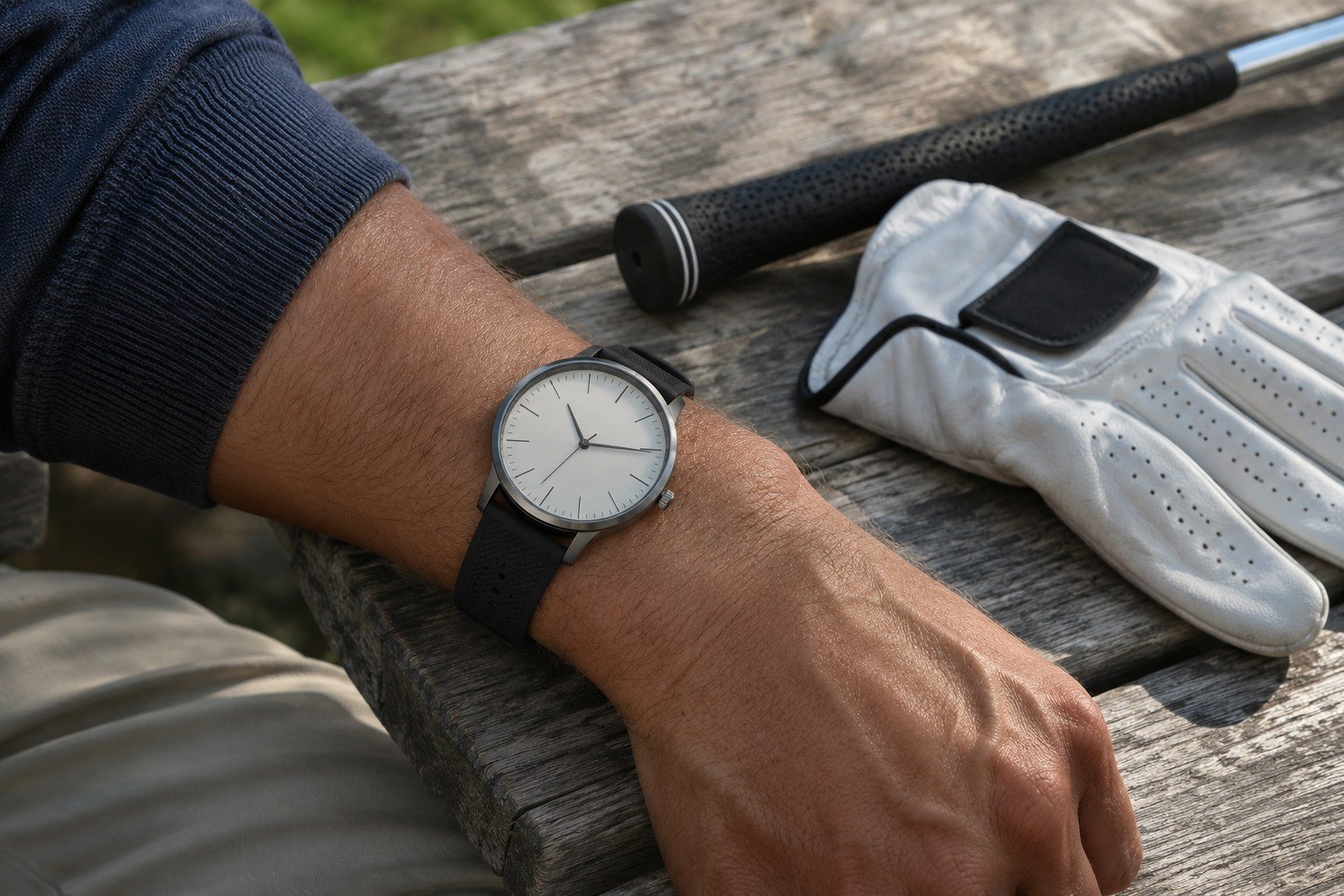
Check which settings the battery claim assumes
Garmin’s S44 comparison entry attaches its battery figures to default display behaviour: gesture waking in smartwatch use and an always-on display while golfing.[4] A specification with conditions should stay attached to those conditions when you compare products.
For that model, Garmin’s battery guidance includes a shorter display timeout, lower brightness, a static watch face and fewer phone notifications.[5] These are options to evaluate, not a promise that any one adjustment adds a particular number of holes.
Start with a feature you do not need. If frequent notifications are an annoyance anyway, reducing them may suit both the watch’s use and your preferences. If an always-visible golf display is central to why you chose the watch, assess its endurance with that feature retained. A setting that saves charge but makes your normal information difficult to obtain may be the wrong compromise.
Change one relevant setting at a time and note it. Otherwise, an improved result leaves you guessing which change mattered. Use the exact manual: another model may have different menus, defaults or restrictions, even if its screen looks similar.
The S44 battery manager can show a remaining percentage or time estimate, and its Battery Saver disables certain features.[6] Treat the time figure as an estimate for the device’s use, not a reservation for the next round. Before choosing a saving mode, check which functions it changes and whether those are functions you require.
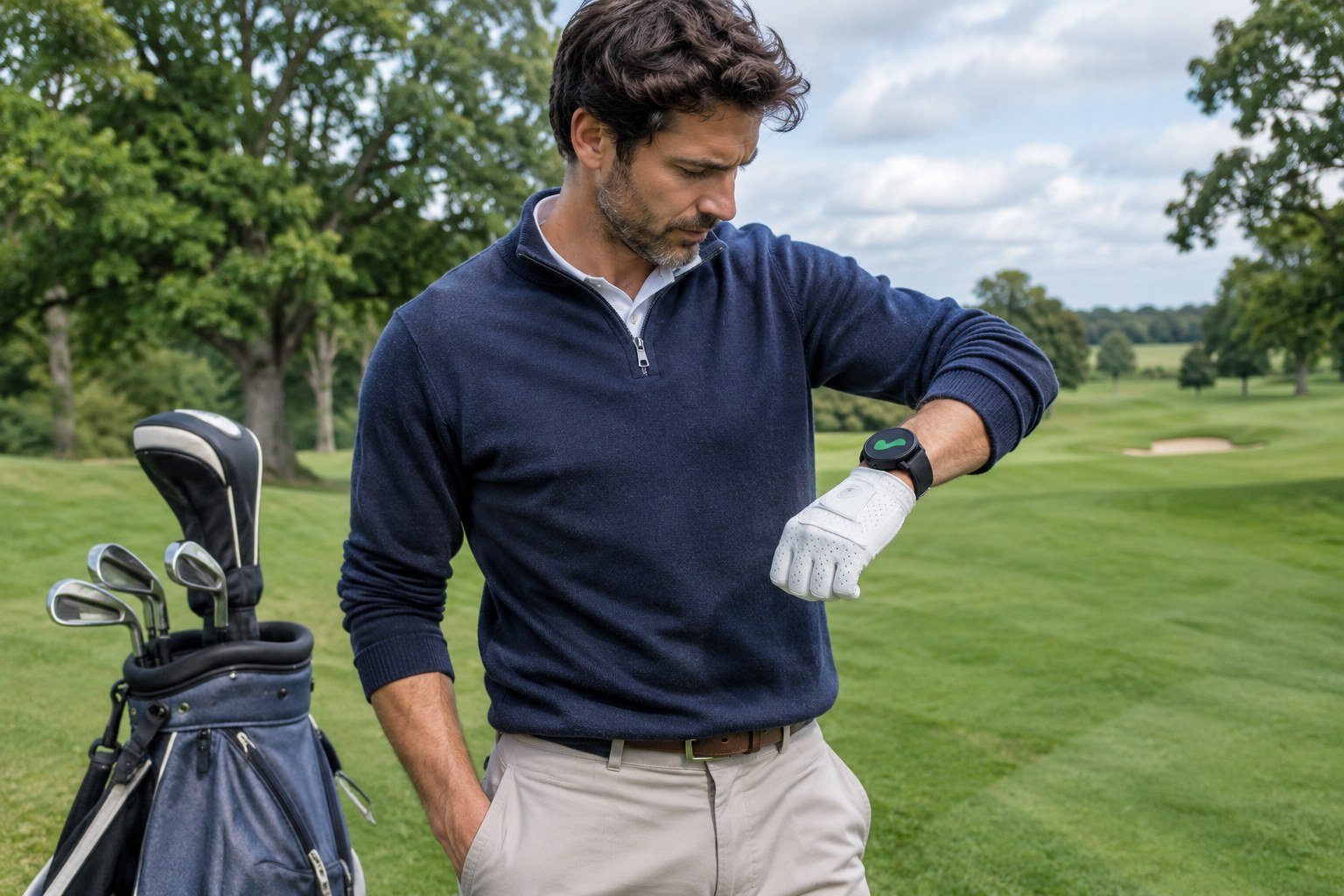
Make a small record of your own normal rounds
If you already own the watch, record ordinary use before deciding that its battery is inadequate. The purpose is to answer “Does this unit cover my routine?” It is not to produce a laboratory capacity test or a reliable prediction for someone else’s watch.
- Record the complete model and case size. Note the software version and any recent setting change so you do not unknowingly compare different configurations.
- Write down the displayed charge before starting golf, then the time the active session begins.
- Note the display arrangement, notifications and connected accessories you actually use. Do not switch off useful functions merely to make the result look better.
- At the end, record the session finish time and displayed charge. Add a short note if the day was unusually long or the routine differed.
- Before the next outing, record how the watch was used between rounds and whether it was charged.
A compact notebook entry can be enough: model and size; starting charge; active hours; settings; finishing charge; use before the next charge. Keep the percentage readings as displayed, rather than presenting them as a precise measurement of remaining battery capacity.
Look for repeated comparable results. One short outing with a full battery does not settle a future two-round day. One unfamiliar setting change also makes a poor basis for concluding that the battery itself has deteriorated.
If the watch consistently finishes the required routine with comfortable room to spare, keep the arrangement. If it repeatedly falls short, decide whether a workable charging opportunity or an unwanted feature explains the gap. A repeatable shortfall is a clearer buying requirement than a general wish for “better battery life”.
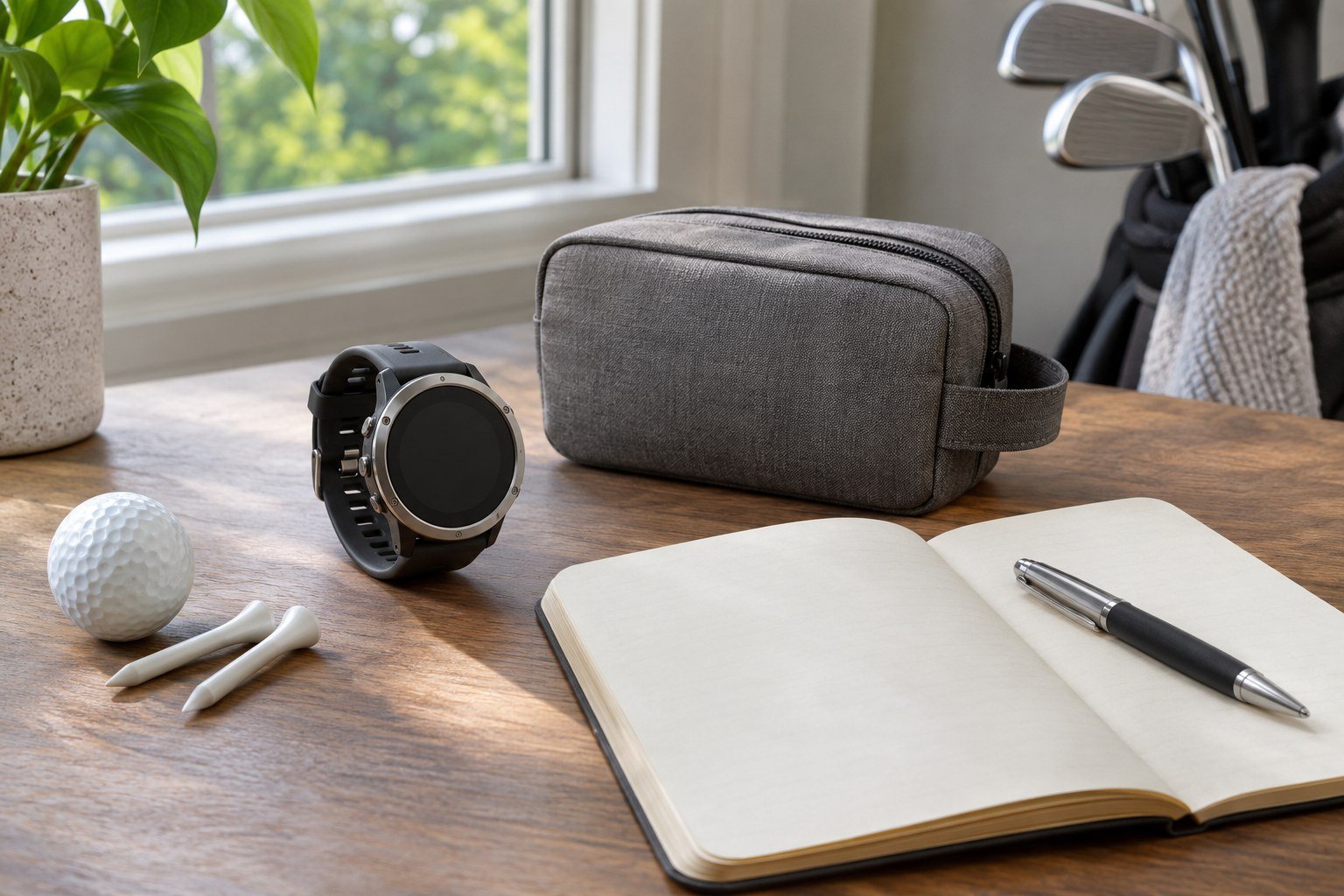
Use an ordinary charging and end-of-round routine
Check the watch before packing the bag, while there is still time to follow its charging instructions. Confirm that the indicated charge has actually increased; finding the cable connected is not the same observation as seeing the charge level you expected.
The S44 manual tells new users to charge fully for golf, requires the contacts and surrounding area to be clean and dry before charging, and provides a Save option that ends the round and returns to watch mode.[7] Use the equivalent documented procedure for your own model.
After play, finish and save the session as intended. Put the watch and its correct charging accessories in a consistent place. Before travelling, check the complete charging arrangement you will take, including any accessory the manufacturer requires. Do not assume a borrowed cable or a similar-looking connector is suitable.
Keep the task within ordinary use. Persistent charging trouble or an unexplained loss of runtime belongs with the manufacturer’s support process for the exact device. A planning log can help describe the problem; it cannot establish an internal fault or justify opening the watch.
For an important long day, avoid making an untried battery-saving configuration your only plan. Establish beforehand that you can still obtain the information you need and understand how the watch behaves.

Compare a replacement only after defining the shortfall
The examples above offer different starting points. The S12 is worth inspecting when its documented golf-use claim meets your priority and its functions suit you. The S44 gives a separate everyday-and-satellite specification to evaluate with the display settings you need. The two S70 sizes demonstrate why the exact case version belongs in the decision.
For those comparisons, the checked UK buying destinations are Approach S12 Black at Clubhouse Golf (010-02472-10),[8] Approach S44 Black/Silver (010-03009-00),[9] and Approach S70 47 mm Black (010-02746-12).[10] Check the current specification, contents and terms for the variant offered.
Choose a shortlist by your essential information and interaction first, then eliminate any option whose documented modes leave the charging plan unclear. These examples are not a battery ranking of the entire market, and the longest claim does not automatically make a watch the best purchase.
A larger case also needs to be comfortable enough to wear. Do not accept an awkward fit solely to gain the larger version’s battery figure. If wearing a watch is itself the unresolved issue, the published GPS watch versus laser rangefinder guide helps compare the information and handling you need from a device.
Back to the start ↑Make the keep, adjust or replace decision
- Keep the current watch when it reliably covers the required routine with the features you use.
- Adjust the routine when an ordinary pre-round recharge or a genuinely unnecessary setting resolves the shortfall.
- Seek model-specific support when charging or runtime changes remain unexplained.
- Consider a different watch when the required active time, useful features and available charging opportunities still do not fit together.
The decision should end with a specific requirement: for example, covering two normal rounds before the next dependable charge while retaining your preferred display behaviour. That is something to investigate against a manual and your own use. “Lasts for days” leaves the important question unanswered.
Explore the GPS & Rangefinders guides for related equipment choices, keeping battery planning separate from which distance information you need.
Back to the start ↑Questions before you decide
What should I ask before buying a used golf GPS watch?
Ask about the exact model and size, the seller’s recent golf-use routine, charging function and the accessories included. A vague claim that it lasts several rounds is incomplete without the session lengths and settings. The original specification cannot establish the condition of that individual unit. If dependable runtime is essential and the seller cannot resolve the uncertainty, allow for that in the buying decision.
Sources and editorial checks
Manufacturer documentation and published technical evidence inform this guide. The comparisons and checklists are editorial decision aids, not results of hands-on product testing.
- Garmin — Approach S12 specificationsUK-English manual: watch-only and golf limits; checked 24 November 2026.
- Garmin — Approach S44 battery informationUK-English manual v2: named modes and typical-use claims; checked 24 November 2026.
- Garmin — Approach S70 battery informationUK-English manual v5: separate 42 mm and 47 mm claims; checked 24 November 2026.
- Garmin — Approach S44 product comparisonManufacturer’s US comparison entry: display assumptions accompanying battery claims; checked 24 November 2026.
- Garmin — Approach S44: maximising battery lifeModel-specific display, watch-face and notification options. Checked 24 November 2026.
- Garmin — Approach S44 battery managerPercentage, time estimate and Battery Saver definitions. Checked 24 November 2026.
- Garmin — Approach S44 owner’s manualPrinted pages 1–3 and 10: preparation, charging and saving a round; checked 24 November 2026.
- Clubhouse Golf — Approach S12 BlackUK listing 010-02472-10; exact buying destination checked 24 November 2026.
- Clubhouse Golf — Approach S44 Black/SilverUK listing 010-03009-00; exact buying destination checked 24 November 2026.
- Clubhouse Golf — Approach S70 47 mm BlackUK listing 010-02746-12; exact buying destination checked 24 November 2026.
Illustrations in this article were created for Taylor’s Trailblazing Golf. Third-party photographs, where used, are credited beside the image or in the source list.