Golf Rangefinder Image Stabilisation: Is It Worth Paying For?
Put a price on an easier aiming experience, after checking what you actually need.
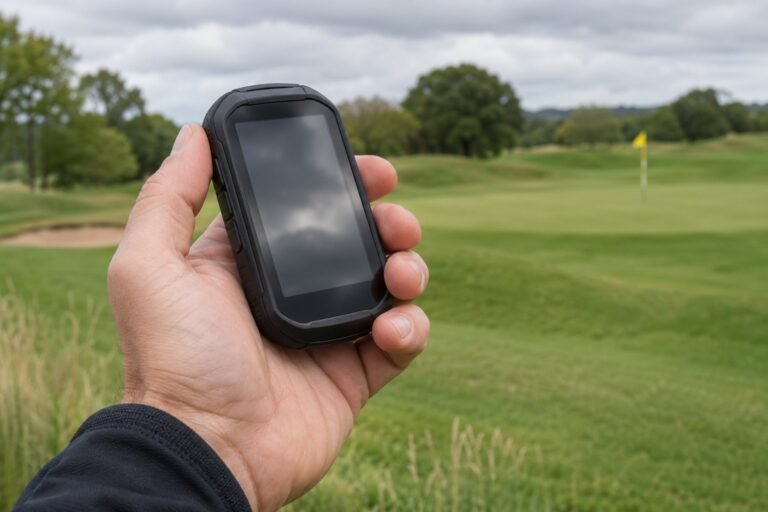
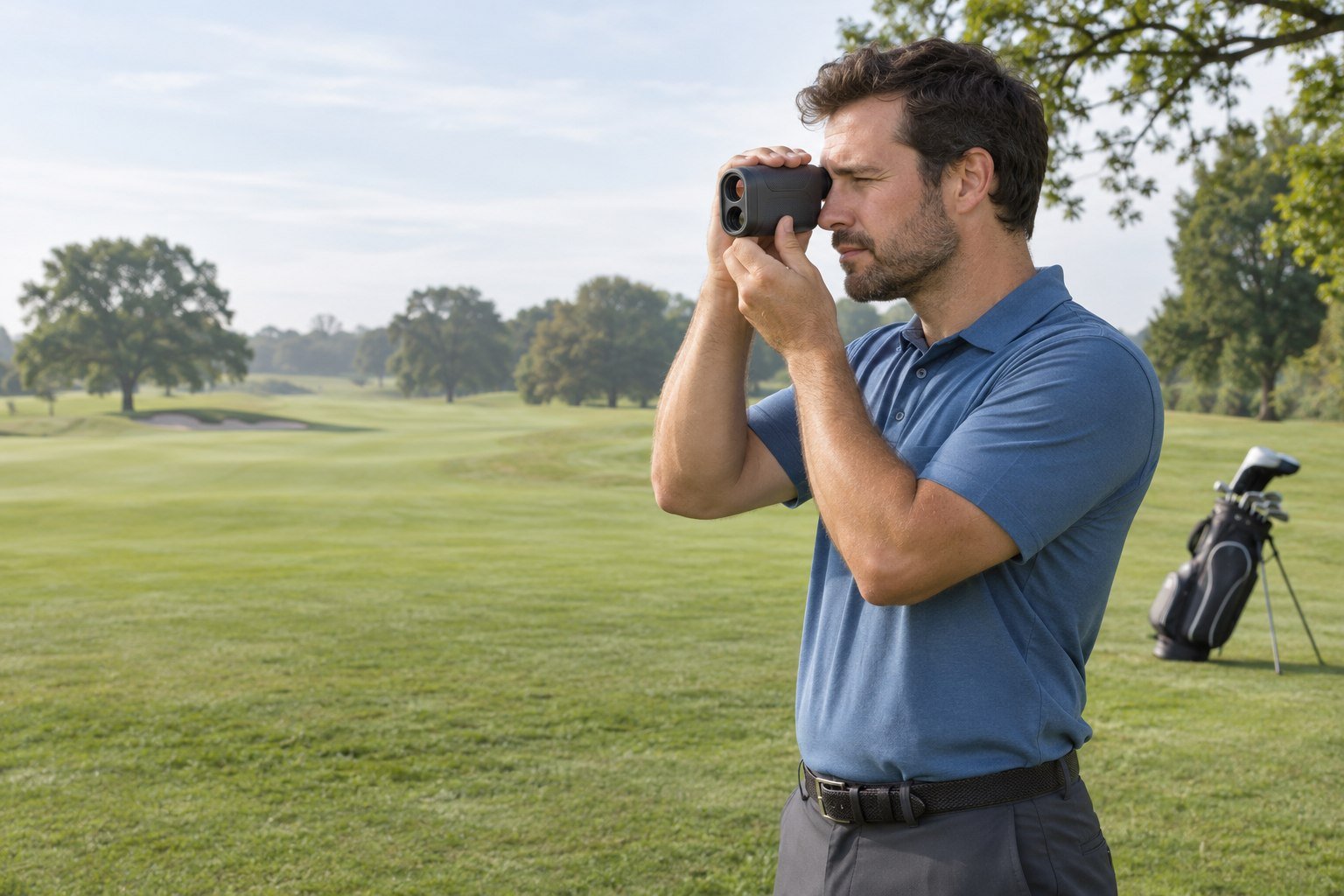
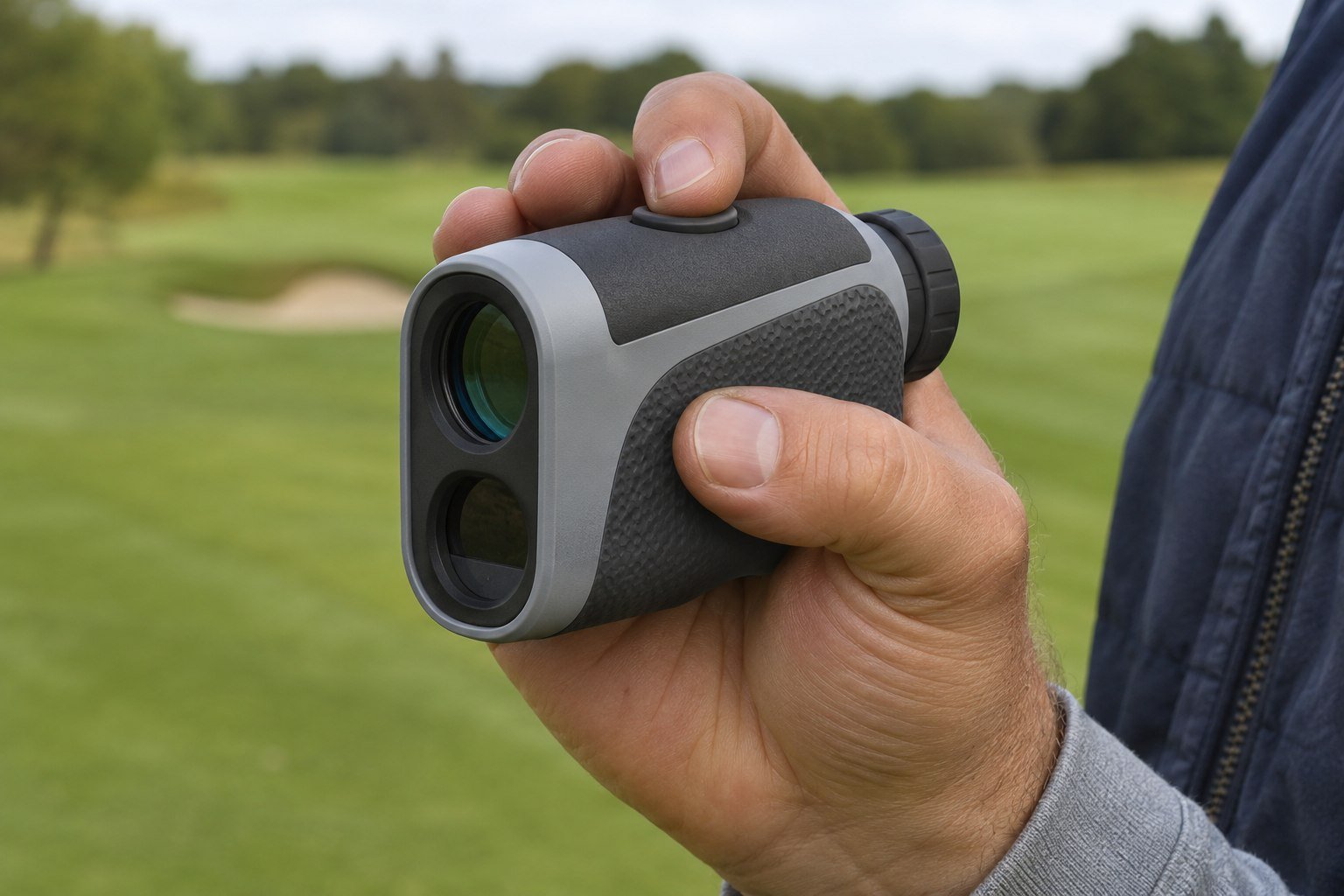
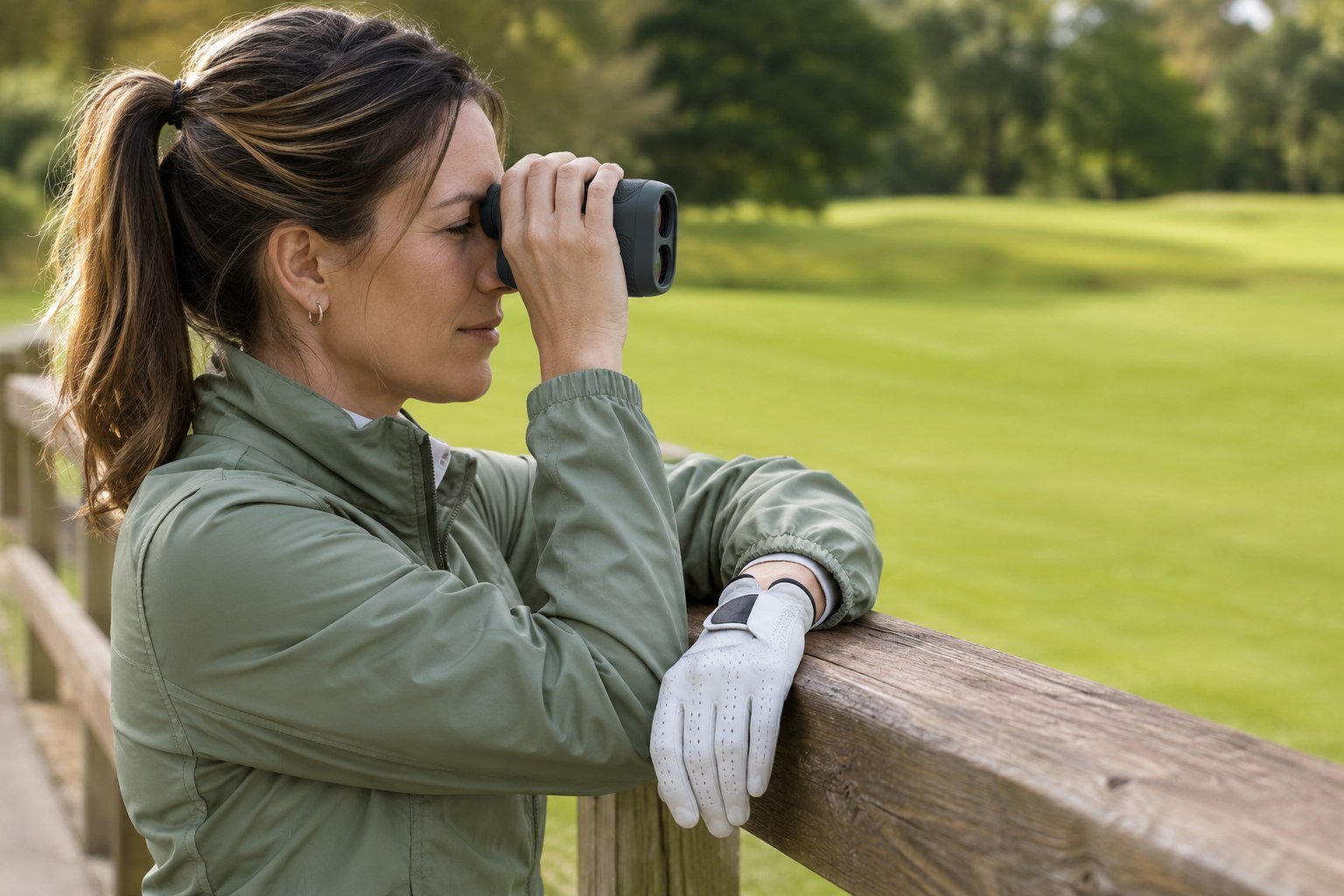
Consider how easily you can hold and aim a device during an ordinary pause on the course. AI-created category illustrations show generic golf equipment, not the named products or a product test.
Golf rangefinder image stabilisation is worth considering when keeping a target comfortably in view is the part of using a laser that frustrates you. The useful buying question is whether a stabilised model makes that task noticeably easier in your hands, at a price you are willing to pay.
This guide separates view movement from focus, target choice and other features. It includes an original problem-to-feature grid, a practical comparison routine and a dated UK price example. The product discussion is based on manufacturer information and retailer listings; Taylor’s Trailblazing Golf has not measured shake reduction, ranging accuracy or on-course performance for these devices.
This guide contains affiliate links. If you buy through them, Taylor’s Trailblazing Golf may receive a commission at no extra cost to you.
Try a stabilised model against your current laser using the same targets.
Check the eyepiece setup before deciding that movement is the problem.
Review aiming and target confirmation before paying for another feature.
Keep it unless the comparison reveals a benefit you actually value.
What golf rangefinder image stabilisation changes
Stabilisation concerns the moving view and aim. For the COOLSHOT PROIII STABILIZED, Nikon says its system counters hand movement and environmental effects to steady both the viewfinder image and the ranging laser. That is the manufacturer’s stated function; it is not a measured result from this guide. [1]
The practical question is therefore quite narrow: when you raise the device and aim normally, is the object easier to keep where you want it? Do not turn that question into an assumption that every displayed distance must be the right one. You still choose the object to measure and interpret the result.
Several features can make a device feel easier to use without doing the same job. Nikon separately lists a 6× monocular, an adjustable dioptre and an OLED display with automatic brightness on the PROIII. Focus, visibility and stabilisation deserve separate checks during a demonstration. [1]
Ask a precise question: “Does this model stabilise the view and ranging laser?” is more useful than “Does it have anti-shake?” A product name, a vibration alert or a reassuring grip does not explain what its stabilisation system actually does.
Match the feature to the problem you notice
Before looking at prices, describe one recurring difficulty. The grid is a buying aid, not a diagnosis of your eyesight or a fault-finding procedure. If more than one row fits, deal with each issue separately rather than expecting one specification to cover everything.
Scroll the table horizontally on a small screen to see every column.
| What happens | First check | What a useful comparison should establish |
|---|---|---|
| The target wanders around the aiming mark | Try a relaxed, supported hold and confirm that this is movement rather than blur. | Whether a stabilised device makes ordinary aiming easier for you. |
| The numbers or aiming mark look blurred | Set the eyepiece according to that model’s instructions, using your normal eyewear. | Whether you can bring the display into a comfortable focus. |
| You obtain a distance that seems to belong to the trees | Recheck the target and the device’s documented acquisition method. | Whether you can distinguish the intended flag reading from the background. |
| You can aim, but struggle to read the result | Compare the display in light similar to your usual rounds. | Whether the colour, contrast and layout suit you without awkward repositioning. |
| The flag cannot be seen from your position | Decide what other distance information is useful for the shot. | Whether course information or a GPS-based approach better suits that need. |
Use your existing rangefinder as the baseline. If a shop assistant adjusts its eyepiece and your difficulty disappears, that is valuable information even though it does not lead to a sale. If the view is clear but moving around remains the problem, you now have a specific reason to compare stabilisation.
For the last row, the published GPS watch versus laser rangefinder guide helps compare the kind of information each approach supplies. A more expensive laser is only useful if it addresses the task you want it to perform.
Back to guide contents ↑Compare the same aiming task before paying extra
Model-specific caution: Nikon says users of medical devices such as cardiac pacemakers should not use the COOLSHOT 50i GII or its accessories because of their magnets. That restriction matters before trying or buying this particular alternative. [3]
Arrange a permitted demonstration with a retailer, club professional or an owner willing to let you try the device. Use a safe, stationary position and an appropriate distant target. Do not point towards people or into the sun. Follow the exact product’s operating and safety instructions.
Nikon’s COOLSHOT catalogue recommends holding the rangefinder in both hands with the arms close together. Establish a comfortable ordinary hold before judging whether another model helps; deliberately shaking a device creates a demonstration that says little about your normal use. [2]
- Set up each device for you. Use your normal glasses or sunglasses, adjust the eyepiece as directed and select the same distance units. Ask for help if the display cannot be made clear.
- Choose representative targets. Try an obvious nearer object and a more demanding distant flag or suitable fixed target. Use the same objects from the same position with each device.
- Alternate the devices. Put one down, use the other and return to the first. This helps you notice whether the preference persists once the novelty of a new display has passed.
- Notice the whole action. Can you find the target, keep it in view, operate the button and read the result without changing to an awkward grip?
- Record the reason for your preference. “Easier to hold the flag in view” is useful. “Feels premium” does not establish that stabilisation solved the problem.
A simple note with three headings—target, difficulty, preferred device—is enough. You could record “distant flag; aiming mark kept drifting; second device easier”, or “near marker; both comfortable; no meaningful difference”. Leave the outcome open until you have tried both.
This is a personal handling comparison, not an accuracy test. Agreeing readings do not establish calibration, and repeated readings alone do not prove that either device measured the intended object. A short demonstration also cannot settle long-term reliability or how every course condition will feel.
Use the whole-device price difference in your decision
Two current Nikon models make a useful comparison. Nikon’s 2025 COOLSHOT chart identifies the PROIII as stabilised and the 50i GII as non-stabilised. Both are shown with a red internal display and DUAL LOCKED ON QUAKE; their remaining specifications differ. This is a comparison of complete products, not the same rangefinder with a single option added. [2]
Scroll the table horizontally on a small screen to see every column.
| Model | Retailer product code | Listed item price | Current listing |
|---|---|---|---|
| Nikon COOLSHOT PROIII STABILIZED | RFNKN009 | £409.00 [4] | View the PROIII at Clubhouse Golf |
| Nikon COOLSHOT 50i GII | RFNKN008 | £249.00 [5] | View the 50i GII at Clubhouse Golf |
The item-price gap is £160. If you spread that difference over an illustrative 40 rounds, it is £4 per round; over 80 rounds, £2. These are planning calculations, not predicted lifespans, savings or performance gains. Check current prices and the delivered total before purchasing.
Use that calculation only if you would otherwise buy the cheaper device. If you already own a working laser, the relevant cash decision is the replacement’s full delivered cost, less any realistic proceeds from selling the old one. Treating the £160 gap as your entire upgrade cost would understate what you actually need to spend.
Keep the comparison in your own terms. A golfer who dislikes using their current laser may place considerable value on a more manageable view. Someone who already acquires a target comfortably has less reason to pay for an improvement they barely notice. Neither decision needs a claim that the device will lower a handicap.
Check the rest of the device before choosing it
Once you prefer a model’s aiming experience, check the less exciting details: button reach with the glove you normally wear, display layout, the case opening and whether the device fits where you intend to carry it. Read the exact model’s weather, power and care instructions rather than borrowing a specification from an earlier generation.
For competition use, R&A Rule 4.3a(1) allows distance information but prohibits measuring elevation changes during a round. A Committee can also prohibit distance-measuring devices through Model Local Rule G-5. Check the competition’s requirements. [6]
View steadiness and the chosen measurement mode are separate decisions. Use the published slope versus non-slope rangefinder guide when you need help distinguishing those settings. An attractive feature label does not replace checking which functions you may use.
Back to guide contents ↑Choose between buying, keeping and trying again
Buy the stabilised option when the comparison repeatedly makes your normal aiming task easier, the rest of the device suits you and the full cost is acceptable. Your reason can be as simple as finding the device more pleasant to use; it does not need an invented accuracy or scoring benefit.
Keep your existing laser when it already does the job comfortably or a setup adjustment resolves the difficulty. An unused feature on a new device is not better value than a working device you already own.
Arrange another demonstration when the only trial was indoors, the targets were unrepresentative or you could not establish a comfortable setup. Ask to compare the actual models you would buy. If neither works well for your needs, reconsider the type of distance information you want before choosing a higher-priced laser.
Sources
- Nikon UK: COOLSHOT PROIII STABILIZED
Manufacturer’s stated stabilisation, optics and display features; consulted 24 November 2026. No independent performance test is implied. - Nikon: COOLSHOT 2025 catalogue
Official model comparison chart and ordinary holding guidance; consulted 24 November 2026. - Nikon UK: COOLSHOT 50i GII
Exact-model magnet restriction in the product footnotes; consulted 24 November 2026. - Clubhouse Golf: Nikon PROIII — RFNKN009
£409 item price and exact model observed 24 November 2026. Prices, availability and delivery terms can change. - Clubhouse Golf: Nikon 50i GII — RFNKN008
£249 item price and exact model observed 24 November 2026. Check the delivered total before purchase. - The R&A: Rule 4.3a(1)
Distance information, elevation and Local Rule G-5; current rule consulted 24 November 2026.
Illustrations in this article were created for Taylor’s Trailblazing Golf. Third-party photographs, where used, are credited beside the image or in the source list.