Golf Launch Monitor vs Rangefinder: Two Devices for Different Tasks
Choose the question first: distance to a target, or information about a shot.
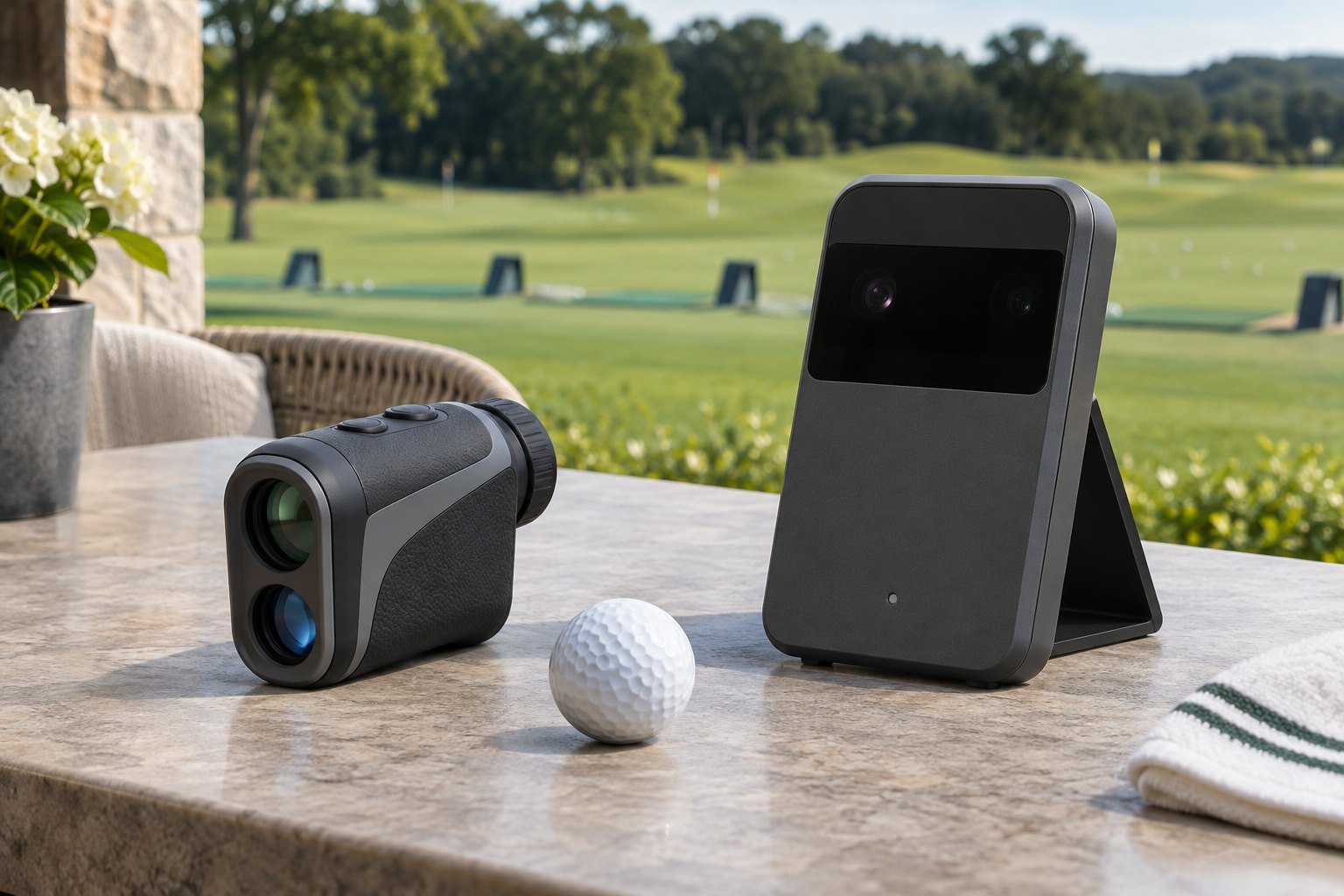
Similar-looking golf technology can answer different questions. These are generic illustrations, not the named products.
A golf launch monitor vs rangefinder comparison starts with two different questions. A handheld laser measures the distance to an object you aim at. A launch monitor records and calculates information about a shot. Buying the more elaborate practice device does not automatically solve an on-course distance problem.
Here, “rangefinder” means a handheld laser. The Garmin Approach R10 and standard Bushnell Tour V6 provide concrete examples with UK prices checked on 24 November 2026. This is a researched comparison, not a hands-on performance test, and the images show generic equipment.
Ad – includes affiliate links. If you buy through these links, Taylor’s Trailblazing Golf may earn a commission. Recommendations are based on the equipment decision and the available evidence.
A laser suits a visible target you can aim at before playing the shot.
A launch monitor suits comparing recorded shots, provided its setup and data limits fit your practice.
Check the compatible device, usable space, app and paid feature together before costing a simulator.
An existing distance device or a booked practice session may already answer the question without another purchase.
Golf launch monitor vs rangefinder: which question are you asking?
Write the question in a sentence before comparing specifications. “How far is that flag?” calls for information before a stroke. “What carry pattern am I producing with this iron?” calls for information from several shots. A single distance number on each screen does not make those jobs interchangeable.
On a phone, swipe within the table to see all columns.
| Your question | Better starting point | What still needs checking |
|---|---|---|
| How far is that visible flag or bunker edge? | A handheld laser | You must identify and range the intended object. |
| How consistently do I carry this club in practice? | A suitable launch monitor | Setup, ball, conditions and which results are measured or calculated. |
| Can I play virtual courses at home? | A compatible launch monitor and simulator arrangement | Safe space, screen or net, app platform and any licence or membership. |
| Do I need mapped front, middle and back distances? | A golf GPS option | That is a separate format decision, not a reason to buy a practice monitor. |
The named examples illustrate these roles: Bushnell describes target ranging for the Tour V6, while Garmin describes practice and simulator functions for the R10. [1] [2] For mapped distance versus aiming at a target, the existing GPS watch versus laser rangefinder comparison addresses that choice.
Back to top ↑What a laser gives you during a round
Imagine standing beside your ball and deciding whether the front edge of a bunker is within reach. A laser helps establish the distance to that selected object. It does not know your reliable carry, choose the right flight or turn an optimistic best-ever shot into your normal distance.
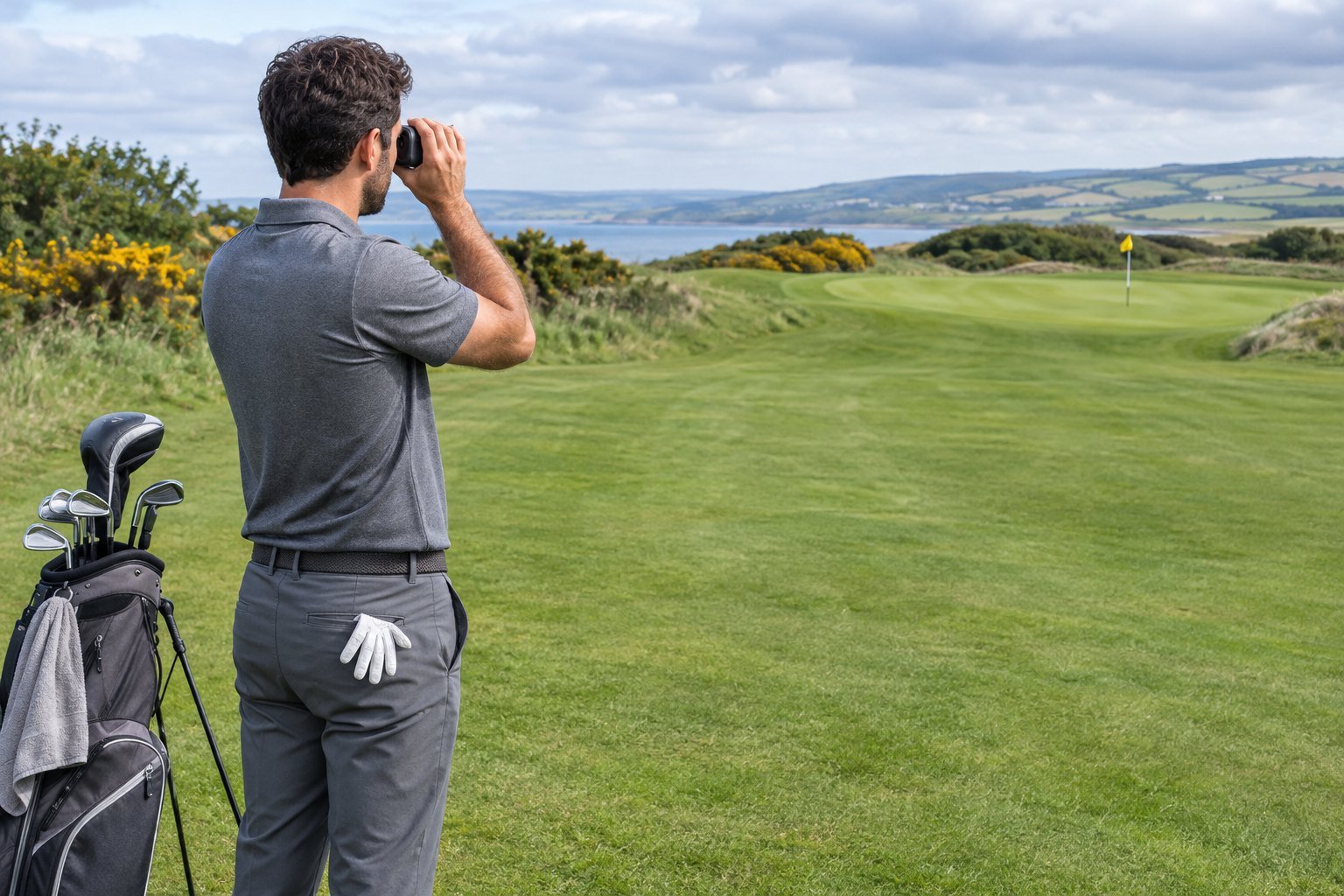
The standard Tour V6 is the non-Shift example in this comparison. Bushnell’s support instructions describe aiming through the eyepiece, activating the laser and reading the target distance; the phone app is not required to operate it. [1] That independence can matter if your priority is a quick course measurement without opening a phone app.
Your part of the process remains significant. You need a visible target, an aim you can hold and a display you can read. A precise-looking result for a tree behind the green is still information about the wrong object. Check the target before using the number in a club decision.
Equally, knowing the distance to the flag does not show how far a practice ball carried. The laser answers the target question; your shot pattern is a separate input. If your existing laser or GPS already supplies the course information you use, buying another device needs a different reason.
Back to top ↑What a launch monitor adds to practice
A useful practice question is narrow enough to act on: compare two clubs’ carry patterns, see whether contact changes are accompanied by different ball speeds, or review a session with a coach. Decide which figures matter before paying for the longest metric list.
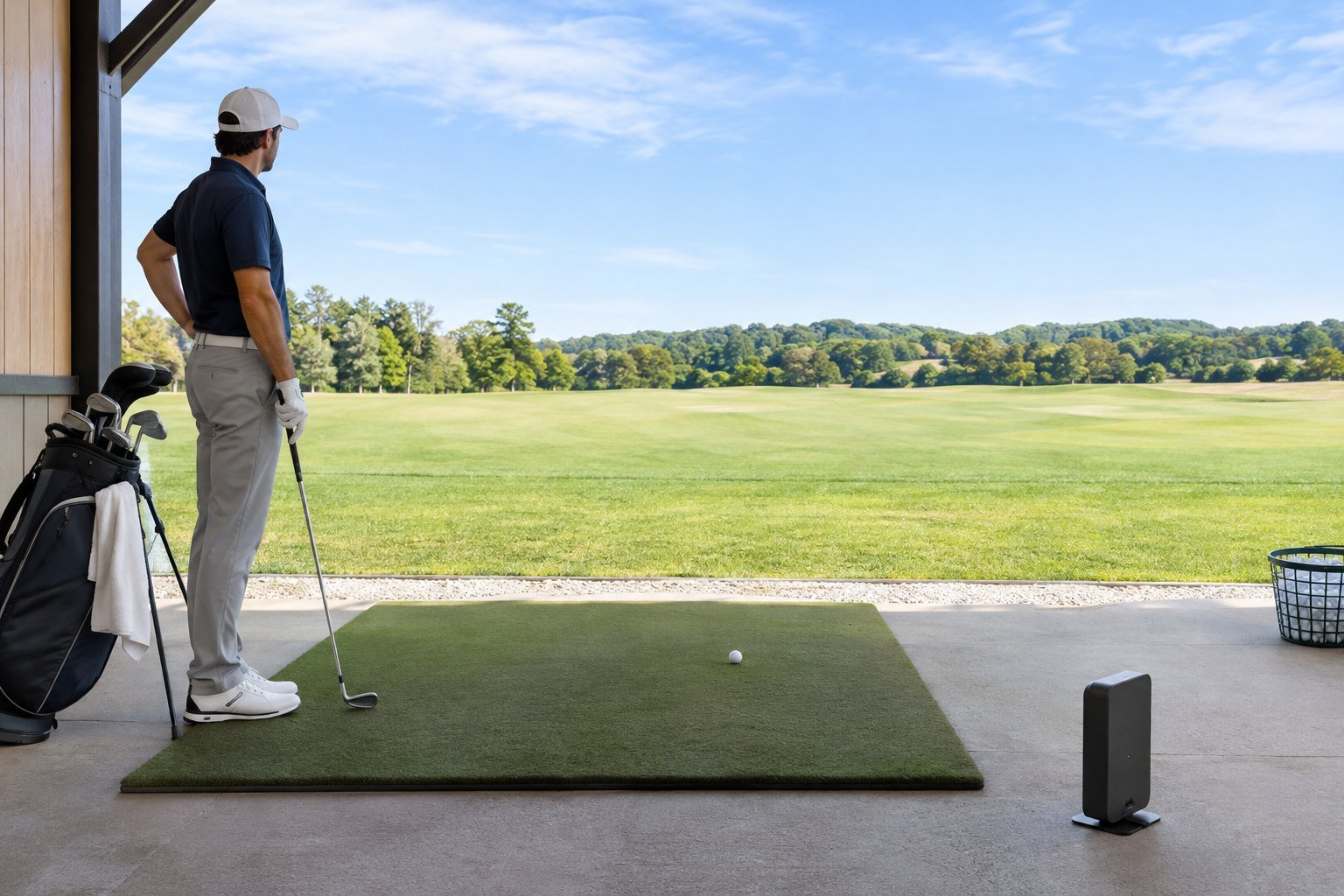
The R10 uses radar and calculations to produce shot information. Garmin’s accuracy guidance explains that spin calculation depends on the situation: indoor or net use differs from observing flight outdoors. Do not assume every displayed field is directly measured, or that an estimated carry is a surveyed landing point. [3]
Record the club, ball type, practice setting and relevant app conditions alongside the result. Keep carry separate from total distance. A session with range balls into a net is not automatically a prediction for your playing ball on a windy course.
Use a group of comparable shots rather than choosing the longest number and calling it your stock distance. If a value looks implausible, check alignment, settings and the maker’s troubleshooting advice before changing your swing to chase it. A coach can help turn observations into a useful practice plan; buying the device does not supply that interpretation.
Other launch monitors use different sensing arrangements and setup requirements. The R10’s distances and app rules below apply to that example, not to every camera-based or radar-based product.
Back to top ↑Check usable space before buying indoor practice equipment
For the R10, Garmin specifies the unit 6–8 feet (1.8–2.4 metres) behind the tee position, with an indoor ball position at least 8 feet (2.4 metres) from the net. The manual also requires swing and ceiling clearance, room behind the net, suitable net coverage and padded framing. [2]

Those equipment distances are not a complete safe-room specification. Measure the actual space, including lighting, doors, storage, the intended mat position and the longest club you plan to use. Check the net or enclosure maker’s own installation requirements. Do not assume a garage that fits the radar-to-ball-to-net line also contains an errant shot or an unrestricted swing.
At a driving range, ask whether personal launch monitors are permitted and whether a bay gives the required placement and target line without blocking a walkway or another golfer. A successful indoor plan cannot simply be copied into a narrow outdoor bay.
If the space check fails, pause the purchase. A lesson, hired simulator session or suitable range bay can answer a practice question without committing to a home installation.
For restricted space, the small-space golf practice kit guide offers another planning route.
Back to top ↑Separate the app, free practice and paid virtual golf
The current R10 manual requires pairing through the Garmin Golf app and describes the separate Home Tee Hero app for virtual rounds. [2] Before ordering, check that the exact apps support your phone and operating system. Do not infer compatibility merely because the phone has Bluetooth.
Garmin’s simulator guidance says the R10’s Driving Range feature does not require a Garmin Golf membership; Home Tee Hero does. [4] A retailer’s broad “subscription required” description should therefore not become a claim that all practice functions require a monthly payment.
On 24 November 2026, the UK iPhone Garmin Golf listing required iOS 18.0 or later and listed membership at £8.99 monthly or £89.99 yearly. [5] These are observed UK iPhone prices, not a promise of the same charge on Android, through another app or under a later offer.
If you want third-party simulator software, check its licence, supported operating system, computer requirements and connection route separately. A compatible launch monitor does not mean every simulation package is included in its purchase price. Confirm the exact function you want before starting a trial or subscription.
Back to top ↑Compare actual UK prices with a clearly bounded first-year budget
Clubhouse Golf’s prices on 24 November 2026 were £249 for the standard black Tour V6, product code RFBUS065, and £429 for the black Approach R10, product code ACGAR008. [6] [7] These are examples of different tools, not a claim that they are the cheapest choices or provide equivalent performance.
On a phone, swipe within the table to see all columns.
| Example purchase and use | Hardware | Selected membership cost | First-year subtotal |
|---|---|---|---|
| Tour V6 for target ranging | £249 | £0 for its app-independent ranging | £249 |
| R10 for Driving Range practice | £429 | £0 for that feature | £429 |
| R10 with one annual Garmin Golf membership | £429 | £89.99 at the observed UK iPhone price | £518.99 |
The calculation assumes you already have a compatible phone. It excludes a net, mat, enclosure, venue charges, consumable batteries, delivery and any third-party licence. Membership entitlement and pricing are sourced above. [1] [4] [5] Check the current checkout total before committing.
Twelve monthly payments at the observed £8.99 would total £107.88, making hardware plus those payments £536.88. That is £17.89 more than the annual example. Paying yearly only makes sense if the commitment suits your use; an unused subscription is still an expense.
If the laser answers your course question, view the standard Tour V6 at Clubhouse Golf. If you have a suitable practice setting and want the R10’s functions, check the Approach R10 at Clubhouse Golf. Confirm the exact model and included items rather than carrying specifications across similarly named versions.
Back to top ↑Three completed choices, based on the job and the setup
These fictional examples show how the comparison changes a purchase decision. They are not customer accounts or testing results.

On a phone, swipe within the table to see all columns.
| Golfer’s stated need | Decision | Reason and next check |
|---|---|---|
| Alex: “I want distances to visible hazards during rounds.” | Shortlist a laser. | A practice monitor does not answer the stated question. Try the eyepiece and controls before choosing the exact laser. |
| Jo: “I practise at a permitted range bay and want to compare two irons.” | Consider the R10’s basic practice functions. | Confirm the bay layout and phone compatibility. Paid virtual courses are not necessary for this question. |
| Sam: “I want winter virtual golf, but have not measured the garage.” | Pause the hardware purchase. | Complete the space, containment and app checks first; then cost the whole installation and chosen membership. |
For your own record, write down the question, where you will use the device, the display or phone requirement, the paid feature you need and the complete first-year cost. If one of those entries is unknown, resolve it before treating a hardware price as the cost of the solution.
Back to top ↑Sources and checks
Research and specifications checked on 24 November 2026. Manufacturer descriptions are identified in the text; practical checklists and worked examples are editorial guidance, not product testing.
- Bushnell Tour V6 support: operation and app requirement — checked 24 November 2026
- Garmin Approach R10 owner’s manual — checked 24 November 2026
- Garmin: accuracy of Approach R10 radar — checked 24 November 2026
- Garmin: golf simulator options for Approach R10 — checked 24 November 2026
- Garmin Golf: UK iPhone App Store listing — checked 24 November 2026
- Clubhouse Golf: standard Bushnell Tour V6, black, RFBUS065 — checked 24 November 2026
- Clubhouse Golf: Garmin Approach R10, black, ACGAR008 — checked 24 November 2026
Illustrations in this article were created for Taylor’s Trailblazing Golf. Third-party photographs, where used, are credited beside the image or in the source list.